Covers that read at phone size
AI Dance Thumbnail Maker
A dance thumbnail has one job: stop the scroll. That means one face, one clear motion and three or four words — not a poster shrunk to 320 pixels.
One free 480p · 5s video preview per account. Image renders from 3 credits. No watermark.
The short answer
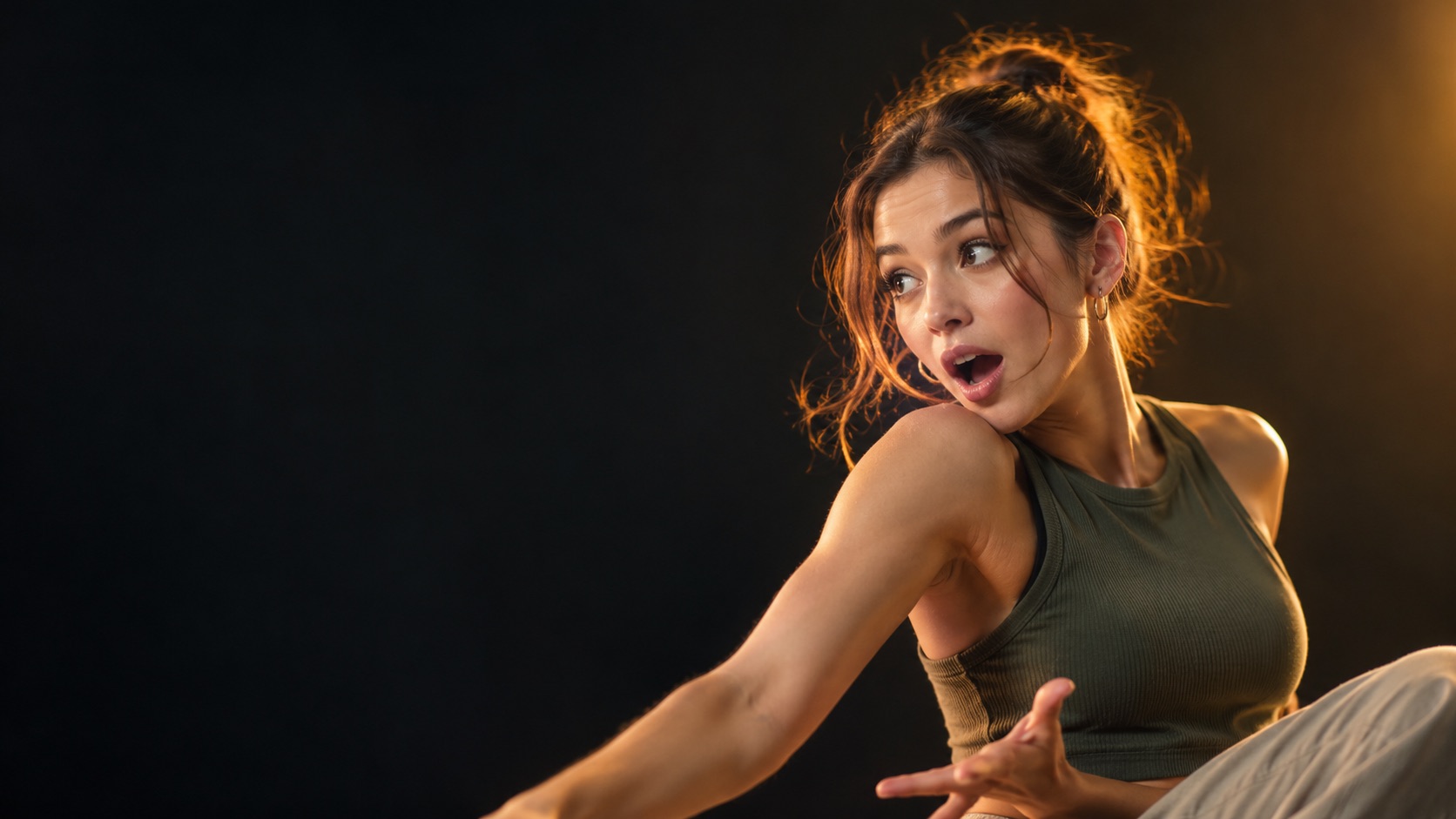
Describe the frame or upload a photo, choose 9:16 or 16:9, and GPT Image 2 renders a thumbnail at 1K for 3 credits. Keep the headline to three or four words and the subject out of the bottom fifth of the frame.
Short text renders more reliably than long paragraphs. Add the small print in a design tool.
Specs at a glance
- Model
- GPT Image 2
- Frames
- 9:16, 16:9, 1:1
- Resolution
- 1K or 2K
- Cost
- 3 credits at 1K, 6 credits at 2K
- Best headline
- Three to four words
- Output
- Image download, no watermark
How it works
- 1
Pick the one face
A thumbnail is read at 320 pixels wide. One face fills the frame; three faces become a texture. Crop to the person before you upload.
- 2
Choose the platform frame
9:16 for TikTok, Reels and Shorts. 16:9 for a YouTube long-form thumbnail. Do not design for one and crop to the other.
- 3
Add three or four words
“NEW TREND”, “DAY 1”, “POV: YOU”. The words should be readable at a glance. Long captions disappear into noise.
- 4
Keep the UI safe area clear
Platforms cover the bottom fifth with a caption and the right edge with buttons. Keep the face and the headline in the upper two-thirds.
What a thumbnail is not
It is not a poster. A poster is read at arm’s length and can carry a date, a venue and a lineup. A thumbnail is read at a glance on a phone, often while the viewer is already scrolling. Density is the enemy.
It is also not a substitute for the first frame. The video itself still has to deliver. A thumbnail buys the click; the first two seconds decide whether the viewer stays.
The safe area rule
TikTok and Reels put a caption and a username across the bottom, and action buttons down the right edge. If the face or the headline sits there, the platform covers it. Keep the important content in the upper two-thirds and the centre.
For 16:9 YouTube thumbnails, the bottom-right corner carries the duration badge. Keep the headline on the left and the face on the right, or leave the corner empty.
- Face in the upper two-thirds
- Headline on the left or top, three to four words
- Bottom fifth empty on vertical covers
- One accent colour, not five
Photo input and consistency
Uploading a photo keeps the creator’s face consistent across a series. Without a photo, the model invents a face, and the next thumbnail will invent a different one. For a channel, photo input is the difference between a brand and a pile of images.
Describe the expression, the light and the background in one sentence each. “Surprised, warm key light, dark studio” is enough. A long paragraph of styling usually produces a busier image, not a clearer one.
What people use it for
Shorts and Reels covers
A custom cover makes a profile grid look intentional instead of a wall of random frames.
YouTube long-form
A 16:9 thumbnail with one face and three words is still the highest-leverage image on the platform.
Series branding
Reuse the same composition and colour across a week of clips so the series is recognisable in a feed.
A/B testing a hook
Generate two covers for the same clip and swap them after a day. The image is cheap enough to test.
Frequently asked questions
Read the guide first
Longer, evidence-based walkthroughs for people who want the prompt, the settings and the failure modes before spending credits.
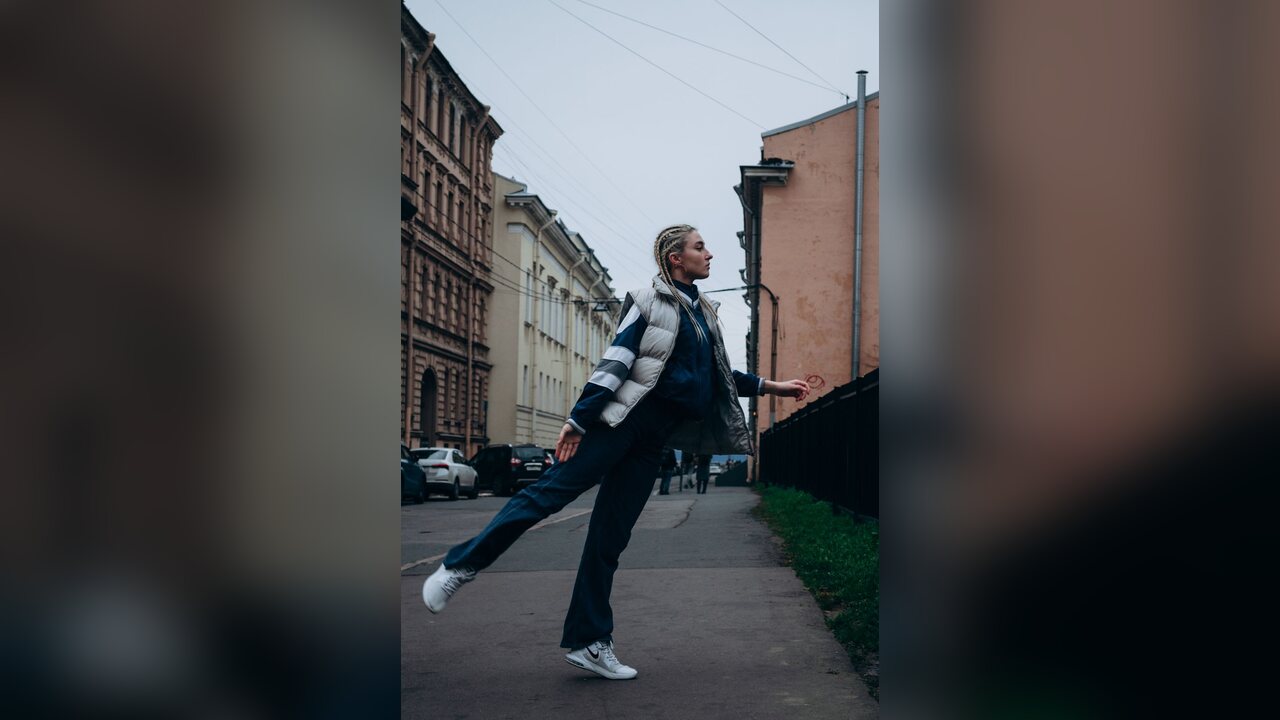 How to Post a Wipe Me Down AI Clip on Reels and ShortsPost a Wipe Me Down AI dance clip on Instagram Reels and YouTube Shorts: vertical framing, clip length, captions, audio rules, AI labels and a checklist.
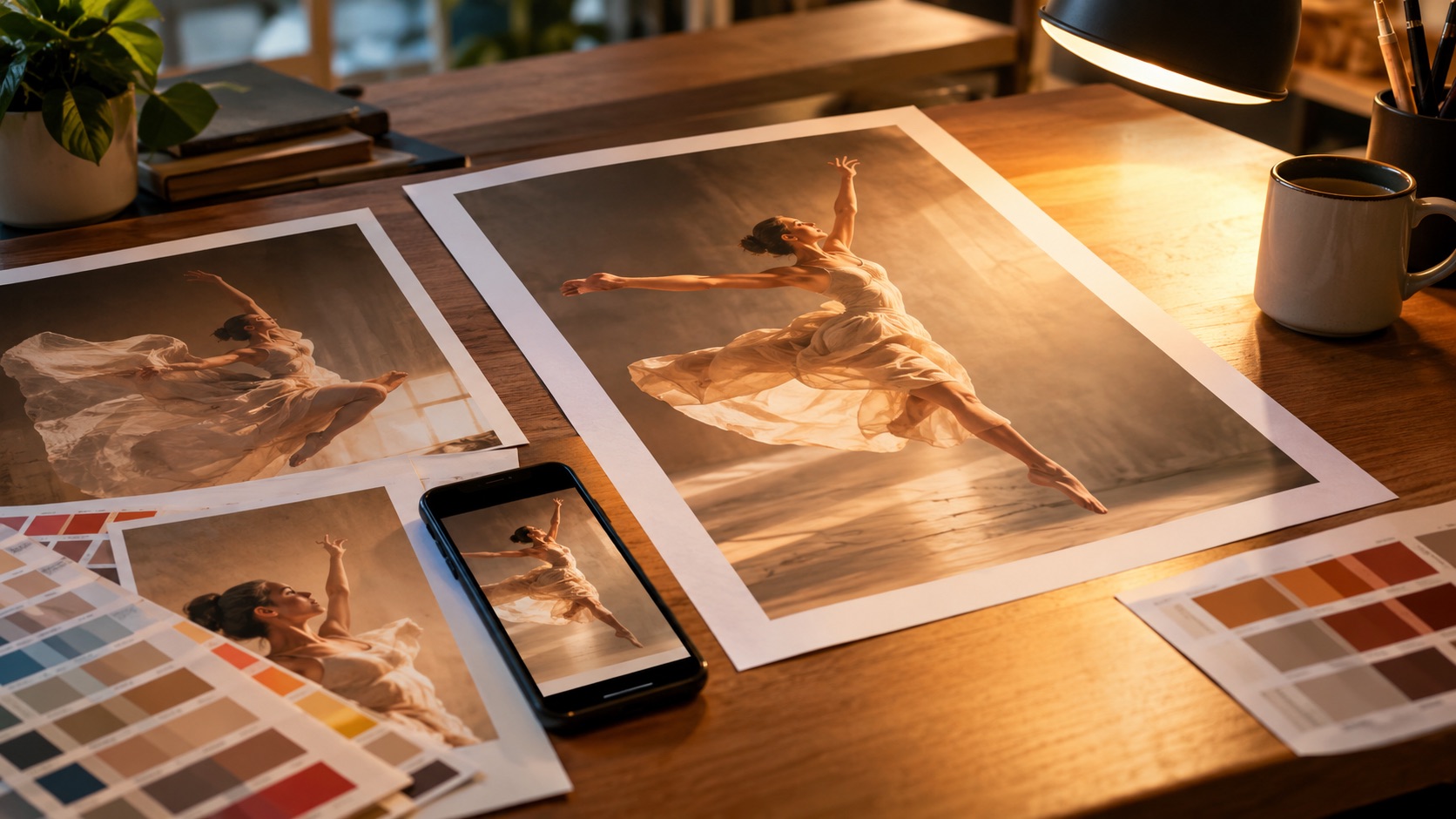 Dance Poster and Thumbnail Guide: One Face, Few WordsA dance poster is read up close; a thumbnail is read at a glance. Safe areas for TikTok, Reels, Shorts and YouTube, plus a one-photo workflow for both.