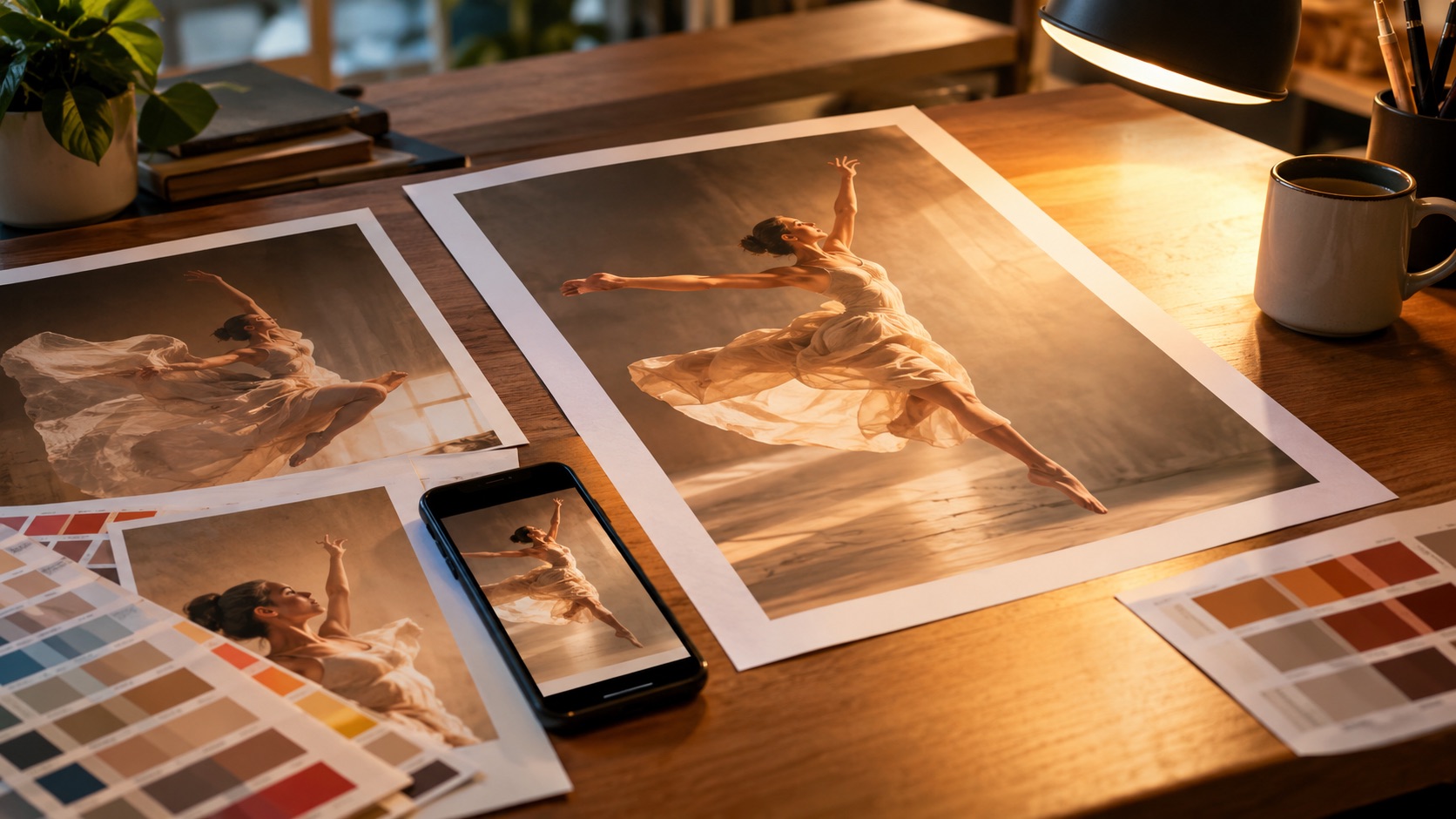
Photo or text to poster
AI Dance Poster Maker
A dance poster needs a strong subject, one light and a headline. This maker turns a photo or a written scene into a poster image you can post as a cover, print as a flyer or animate into a video.
One free 480p · 5s video preview per account. Image renders from 3 credits. No watermark.
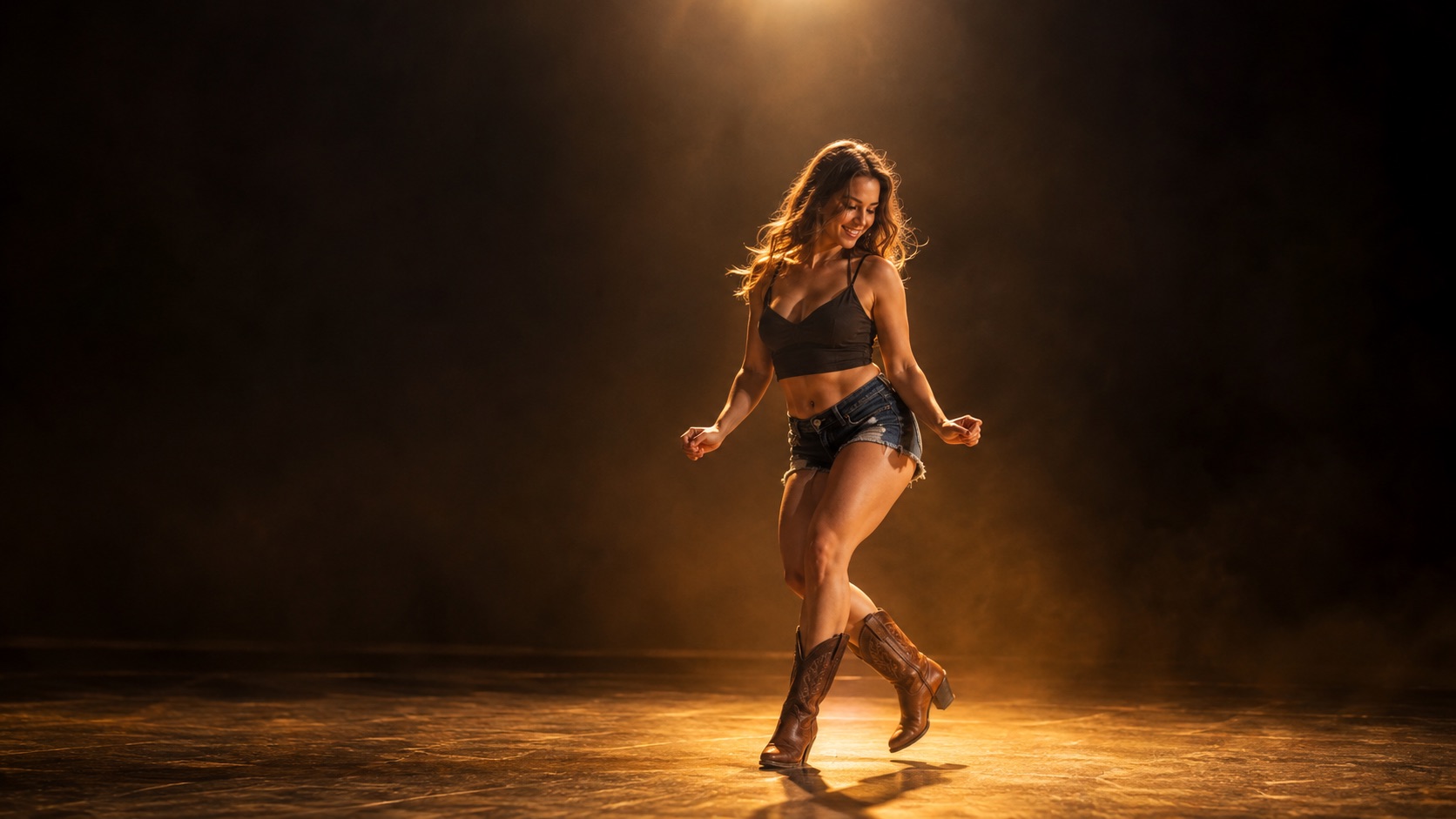
The short answer
Describe the poster or upload a photo, choose 9:16, 1:1 or 16:9, and GPT Image 2 renders it at 1K for 3 credits or 2K for 6 credits. Short headline text works best; long paragraphs may be misspelled.
Short text renders more reliably than long paragraphs. Add the small print in a design tool.
Specs at a glance
- Model
- GPT Image 2 (kie.ai)
- Input
- Text, or one reference photo
- Frames
- 9:16, 1:1, 16:9
- Resolution
- 1K or 2K
- Cost
- 3 credits at 1K, 6 credits at 2K
- Output
- Image download, no watermark
How it works
- 1
Start from a photo or a scene
A photo keeps the person recognisable. A text scene is better for a fictional poster, a silhouette or a venue announcement.
- 2
Choose the frame
9:16 for a phone cover or a story, 1:1 for a feed post, 16:9 for a YouTube thumbnail or a screen. The composition changes with the frame.
- 3
Write one headline, not a paragraph
“FRIDAY NIGHT”, “OPEN FLOOR”, a date and a room. Image models handle a few words; they do not typeset a programme.
- 4
Download and reuse
The result downloads as an image file you can post, print or upload as the first frame of a dance video.
What GPT Image 2 does well
GPT Image 2 is good at composition, lighting and short text. A poster with one subject, one strong light and three or four words is inside its comfort zone. It can place a headline, a date and a small label without turning them into nonsense.
It is not a layout engine. A full programme with ten acts, sponsor logos and a QR code will drift. Generate the artwork with the headline, then add the small print in a design tool where the text is real text.
Photo input versus text input
With a photo, the model keeps the face and outfit and changes the world around them: a stage, a spotlight, a crowd, a colour palette. That is the fastest route to a personal poster.
With text only, you describe the person and the scene. It is the right choice when you do not have a photo, when you want a silhouette, or when the poster should not be tied to a real person.
- Photo input: identity stays, scene changes
- Text input: no identity to preserve, more freedom
- One subject reads better than three
- One light source reads better than five
Frames, resolution and cost
9:16 fills a phone. 1:1 is the safest feed crop. 16:9 gives room for a headline on the left and a subject on the right. Choose the frame before you write the prompt; a composition designed for 16:9 crops badly to 9:16.
A 1K poster costs 3 credits and a 2K poster costs 6. Start at 1K to check the composition, then re-render at 2K for print or a large screen.
What people use it for
Event and class flyers
A weekly dance night needs a new poster every week. Generate a variation from the same template instead of rebuilding it in a design tool.
Cover images for clips
Make a vertical cover for a Reel or Short, then animate the same image with the video model.
Character and cosplay posters
Turn a costume photo into a poster with a stage, fog and a title, keeping the costume details.
Music and podcast artwork
A square poster doubles as cover art for a mix, a single or an episode.
Frequently asked questions
Read the guide first
Longer, evidence-based walkthroughs for people who want the prompt, the settings and the failure modes before spending credits.