Trend-ready in one photo
Wipe Me Down Dance Generator
The Wipe Me Down dance is a loose two-step bounce: shoulders roll, weight moves side to side, arms swing at waist height. This generator puts that movement on a photo you already have, so you can join the trend without learning the steps or setting up a camera.
One free 480p · 5s video preview per account. Image renders from 3 credits. No watermark.
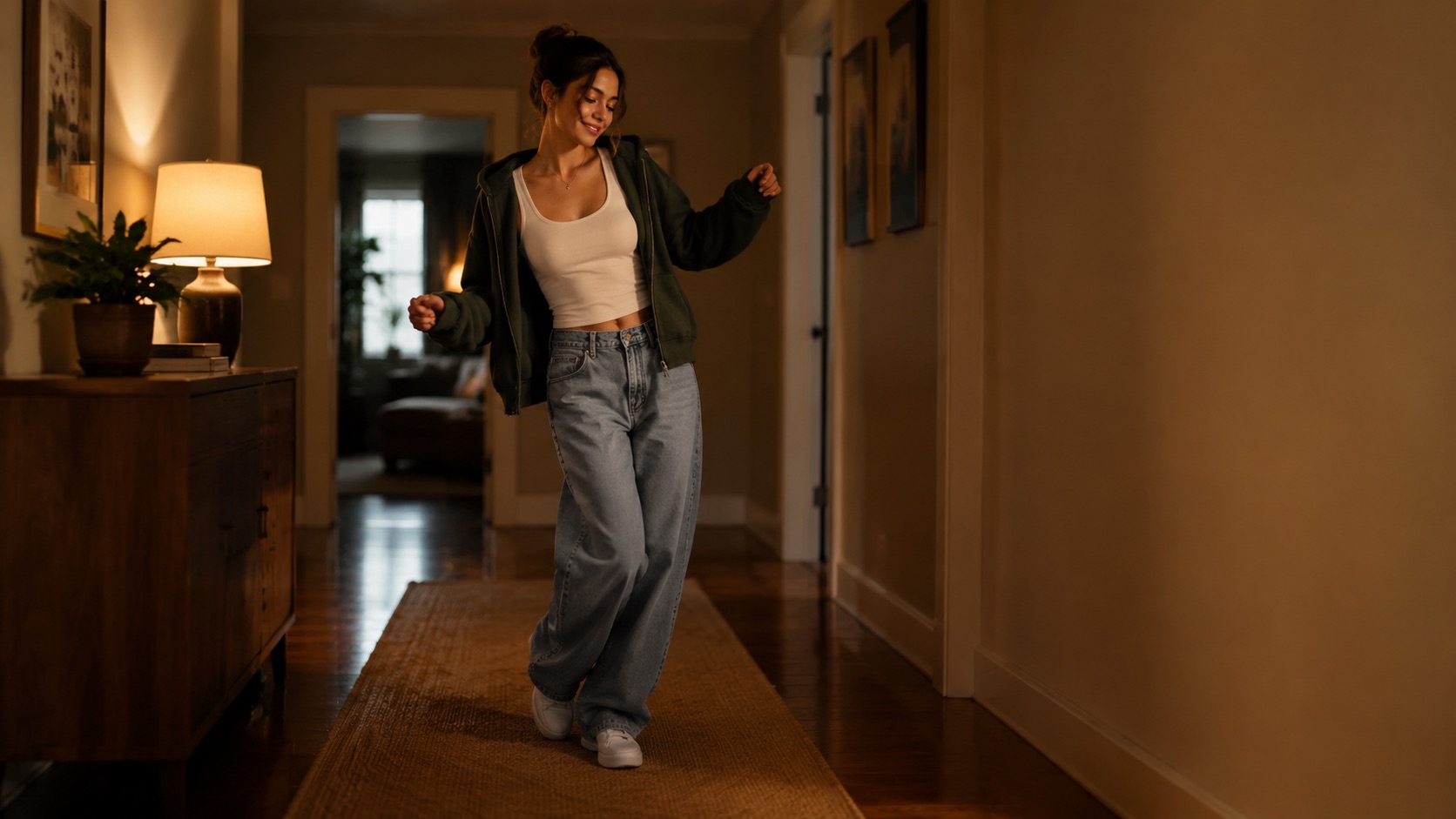
The short answer
Upload one photo, choose the Classic or Hype look and generate a 4–15 second vertical clip of the subject doing the Wipe Me Down bounce. A 720p · 12s render costs 26 credits; the first 480p · 5s preview is free.
Upload one photo and the subject in it performs the dance, keeping the face, hair and body from your picture.
This clip: 26 credits · 7 renders a month for $39.90 (Pro), or 92 a year for $319
Specs at a glance
- Model
- Seedance 2.0
- Looks
- Classic, Hype, Smooth, Cute
- Input
- One photo, or a text description
- Standard cost
- 26 credits for 720p · 12s
- Free preview
- 480p · 5s, once per account
- Output
- 9:16 MP4, silent, no watermark
How it works
- 1
Start with a photo that shows the person
Face and upper body visible, one person in frame, even light. A screenshot from a group chat works if the person is clear.
- 2
Pick the bounce
Classic is the relaxed original feel. Hype adds faster footwork and bigger arm swings. Smooth slows it down. Cute is the pet-sized version.
- 3
Render vertical
9:16 at 720p is the standard. Use 480p for the first test, then re-render at 1080p when the look is right.
- 4
Download and post
The MP4 has no watermark and no audio. Add the sound inside TikTok, Reels or Shorts so the clip matches the platform’s music rules.
What the Wipe Me Down dance actually is
The move is a relaxed bounce rather than a fixed eight-count. The dancer shifts weight from one foot to the other, rolls the shoulders and lets the arms swing loosely, with a small hand push away from the body on every second bar. The feel is casual; the footwork stays under the body.
Because the move is loose, it survives being generated. A tight choreography with counts and formations would fall apart in an image-to-video model. A two-step with a shoulder roll is exactly the kind of motion the model can hold for ten seconds.
How to make the clip look like the trend
Keep the camera at chest height and the whole body in frame. A close-up loses the footwork, which is most of the dance. The Classic and Hype presets already ask for a continuous shot and a level camera; edit the prompt if you want a slow push-in instead.
Match the room to the mood. A warm bedroom, a hallway, a parking garage or a stage all read differently. The model keeps the person and can change the light; say which you want instead of leaving it to chance.
- Whole body in frame, chest-height camera
- One continuous shot, no cuts
- Loose clothing reads better than stiff fabric
- Silent clip: add the sound in the app
Using the trend without copying someone’s video
A generated performance is a new clip, not a copy of a specific creator’s recording. Do not upload someone else’s video or claim the result is a real recording of the person in the photo. If you are posting a friend, ask first.
The model also blocks unsafe uploads before the render starts. If a photo fails moderation, the credits are not spent on a rejected job.
What people use it for
Join the trend from an old photo
You do not need to film on the day. Use a photo you already like and let the model generate the performance.
Post a pet version
The same bounce works on a dog or cat photo. The Cute preset keeps the animal’s markings and proportions.
Make a reaction clip
A ten-second dance is a better reply than a static meme. Generate one from a friend’s photo, with their permission.
Test a hook before you film
See how the movement reads on your face and outfit before you spend time recording a real version.
Frequently asked questions
Read the guide first
Longer, evidence-based walkthroughs for people who want the prompt, the settings and the failure modes before spending credits.
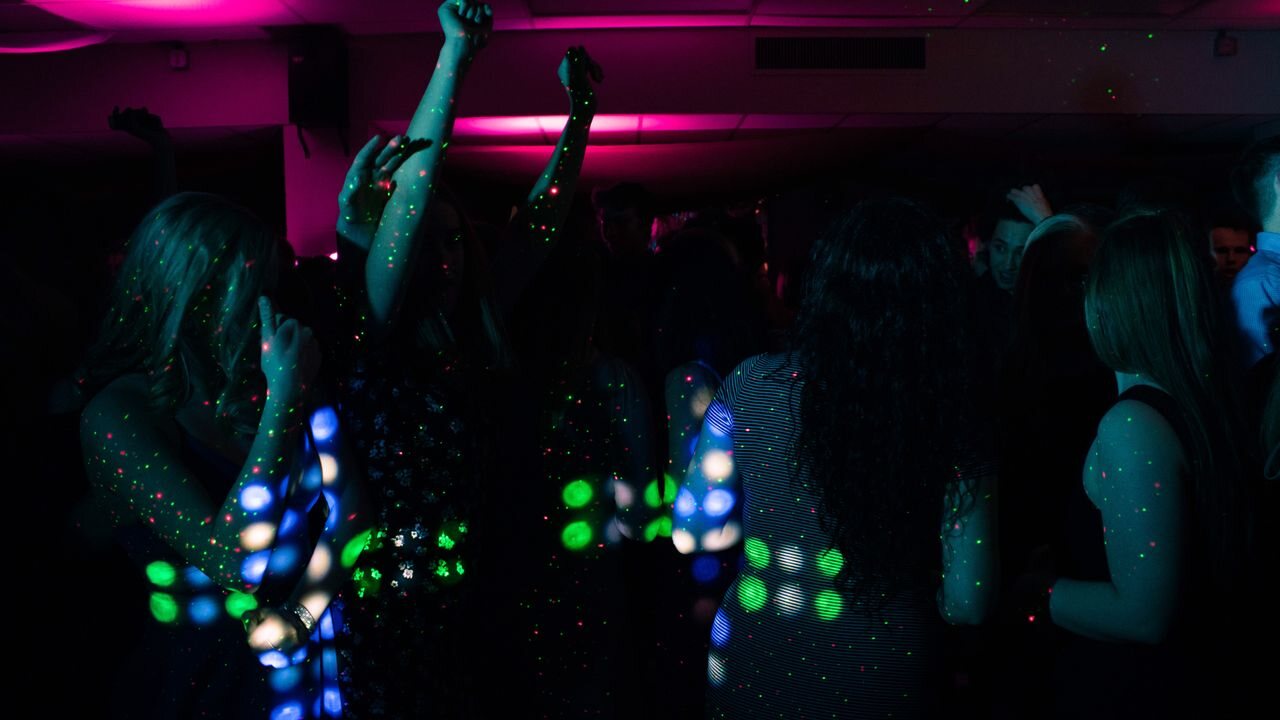 Where the Wipe Me Down Song and Dance Really Came FromThe original Wipe Me Down track, its artists, how the dance spread across TikTok and Instagram, the basic moves, and why it keeps returning in 2025 and 2026.
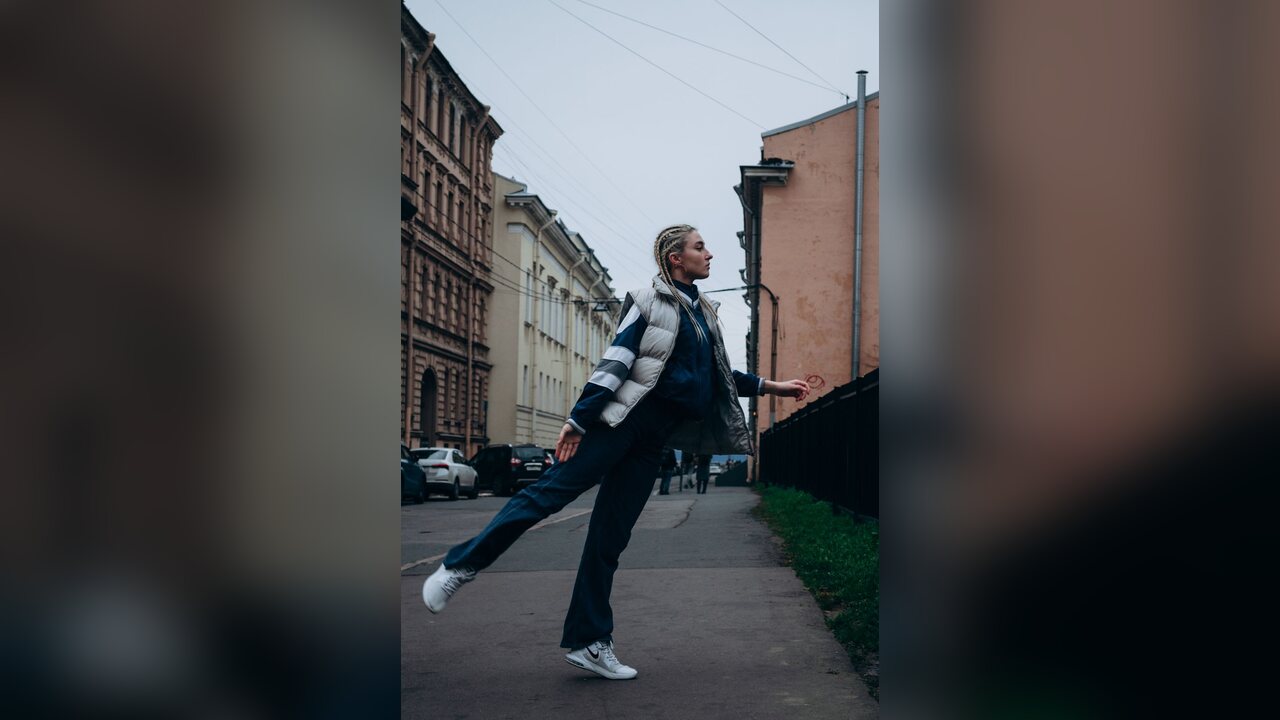 How to Post a Wipe Me Down AI Clip on Reels and ShortsPost a Wipe Me Down AI dance clip on Instagram Reels and YouTube Shorts: vertical framing, clip length, captions, audio rules, AI labels and a checklist.
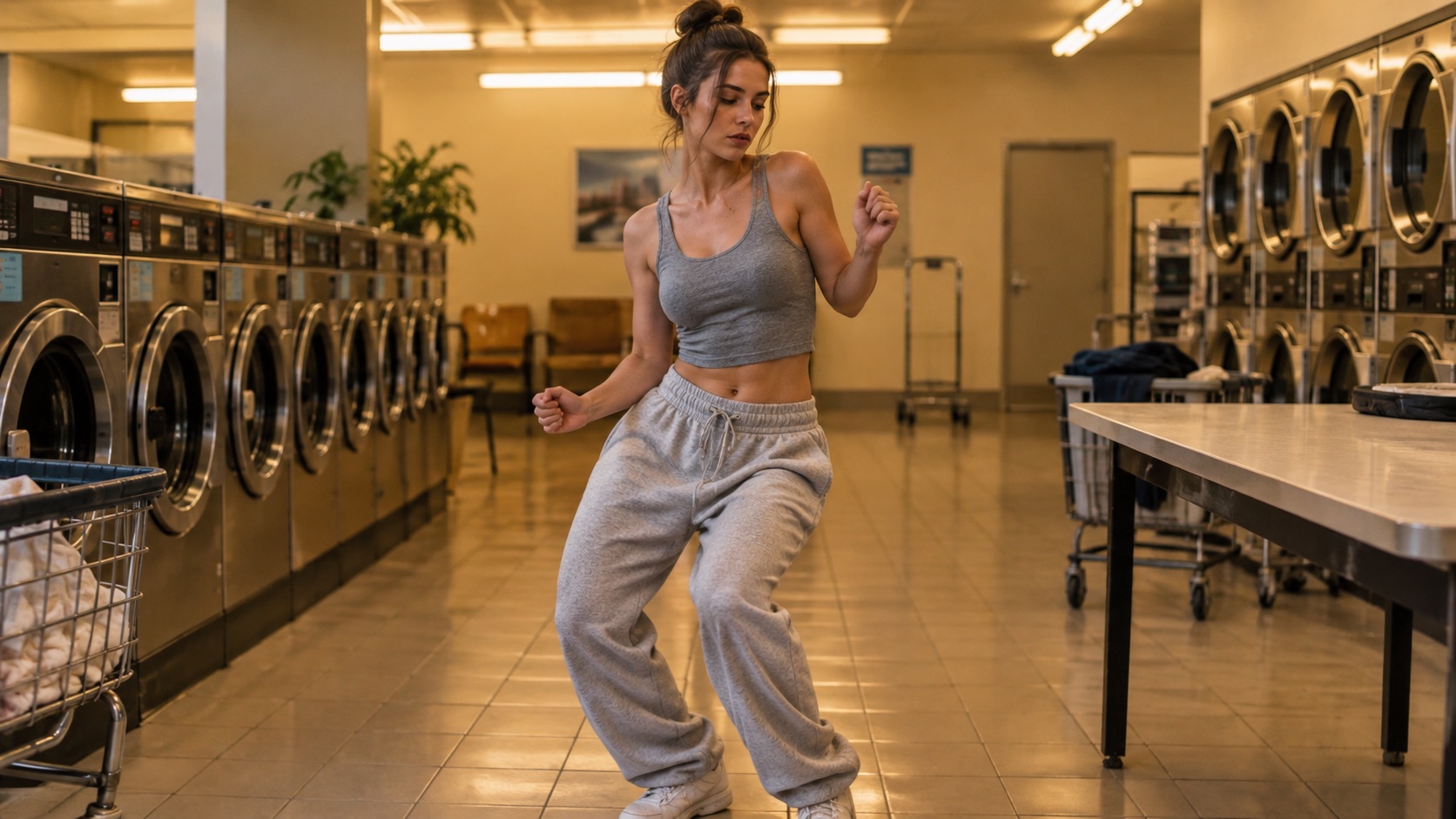 Wipe Me Down Dance Meme Guide: Five Seconds, One JokeA practical guide to the Wipe Me Down dance meme: why five to eight seconds loops, deadpan contrast, captions outside the render, sound, consent and AI labels.