Dogs, cats and very small dancers
Pet Dance Video
A pet dance video turns one photo of a dog or cat into a short clip of the animal bouncing on the beat. The model keeps the breed, fur colour and markings; the costume and the movement are generated around them.
One free 480p · 5s video preview per account. Image renders from 3 credits. No watermark.
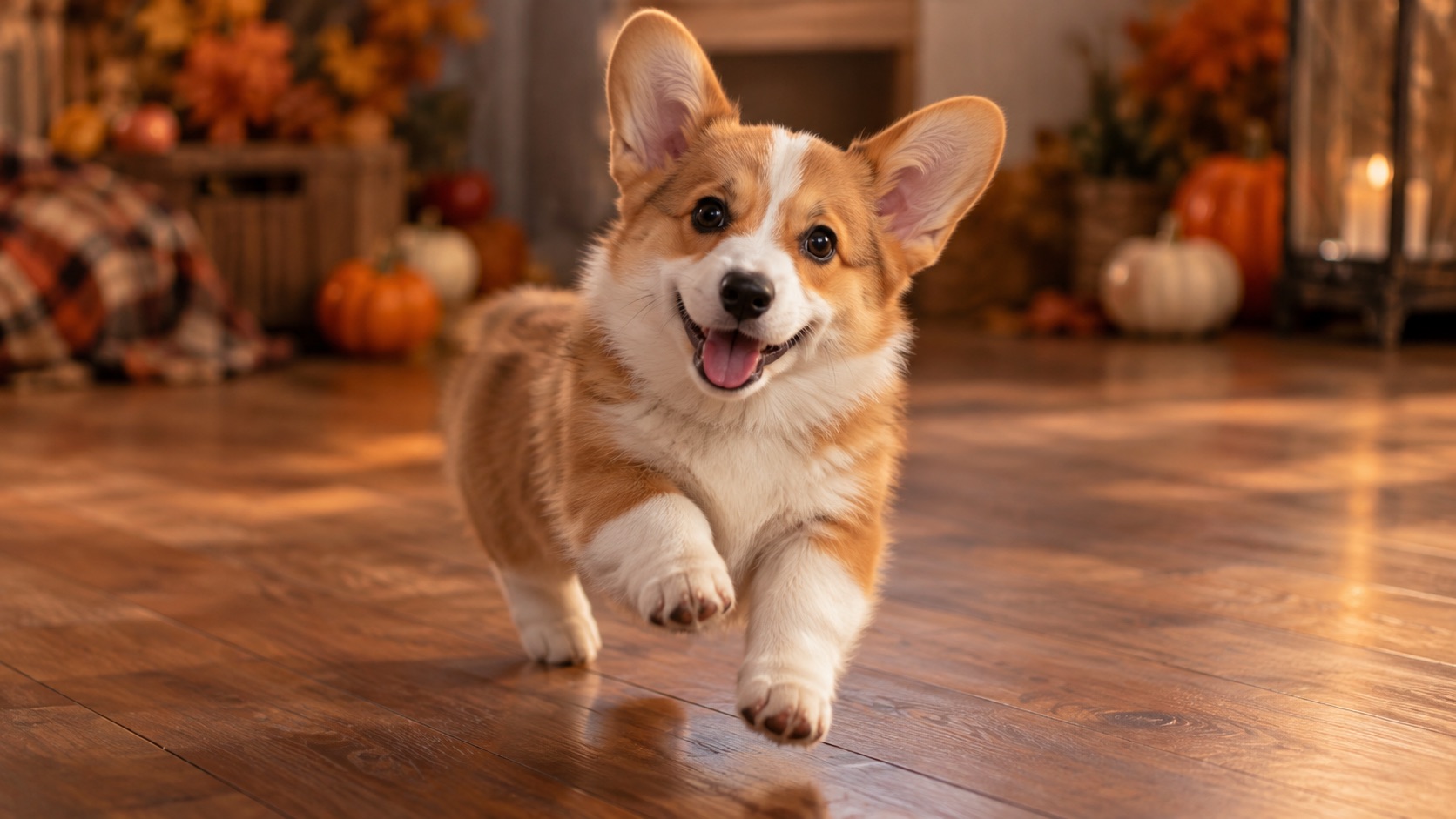
The short answer
Upload one clear pet photo and choose the Cute look. Seedance 2.0 generates a 4–15 second clip that keeps the animal’s breed, fur and markings while adding a small bounce. A 720p · 12s render costs 26 credits; the first preview is free.
Upload one photo and the subject in it performs the dance, keeping the face, hair and body from your picture.
This clip: 26 credits · 7 renders a month for $39.90 (Pro), or 92 a year for $319
Specs at a glance
- Model
- Seedance 2.0
- Best look
- Cute (small bounce, pet-sized motion)
- Input
- One pet photo
- Standard cost
- 26 credits for 720p · 12s
- Free preview
- 480p · 5s, once per account
- Output
- 9:16 MP4, no watermark
How it works
- 1
Choose a photo where the animal is the subject
One pet, face and body visible, no other animals in frame. A photo on a sofa or a plain floor is easier than a busy park.
- 2
Use the Cute look
It asks for small hops in place, ears and tail bouncing on the beat, and one paw lifted every second bar. The movement is sized for a small body.
- 3
Keep the species fixed
The prompt explicitly asks the model not to change the species or cover the eyes. If the first result turns the pet into a humanoid, add “keep it clearly the same animal” and retry.
- 4
Render at 9:16
Vertical framing fills a phone screen. A 480p test is cheap; re-render at 720p or 1080p when the bounce looks right.
What stays and what changes
The model is asked to preserve the animal’s breed, fur colour, distinctive markings, eye colour, facial appearance and natural anatomy. It can add a costume, a room and a bounce, but it should not turn a tabby into a different cat or a dog into a person.
Four legs are harder than two. Extra paws and duplicated limbs are the most common failure in pet renders. The Cute preset asks for natural anatomy and no extra limbs; short clips and small movements reduce the risk further.
The photo rules for animals
The face needs to be visible, not buried in a bed or turned away. A photo where the animal is looking at the camera gives the model the eyes and the expression, which is most of the likeness. A side profile works for a silhouette but loses the face.
Avoid photos with two pets unless you want both. The model cannot reliably tell which animal should dance, and a second body often becomes a duplicated limb. If you want a two-pet clip, generate them separately and cut them together.
- One animal, facing the camera
- Eyes and markings visible
- No cage bars or heavy blankets across the face
- Plain floor or sofa rather than a busy background
Costume ideas that survive a render
A small pumpkin costume, a bandana, a tiny cape or a party hat are all readable at phone size. Full-body outfits with sleeves and trousers are harder because the model has to invent the animal’s legs inside them.
Describe the costume in one sentence and keep the background simple. “A soft pumpkin costume with a small green leaf, warm autumn studio” is enough. A paragraph of fabric detail usually makes the render busier, not better.
What people use it for
Pet accounts
Post a dancing version of your pet without filming a trained trick. The markings stay recognisable, which is what followers respond to.
Birthday posts
Turn a favourite photo into a short celebration clip. Add a party hat and a room description in the prompt.
Memorial and keepsake clips
A gentle bounce from a clear photo can be a warmer keepsake than a slideshow. Keep the movement small and the expression natural.
Shelter and rescue posts
Make a adoptable pet’s photo move to catch attention in a feed. Use a photo the shelter has rights to share.
Frequently asked questions
Read the guide first
Longer, evidence-based walkthroughs for people who want the prompt, the settings and the failure modes before spending credits.
 Photo to dance video: what the AI keeps and inventsWhat actually carries over from a still photo, what the model invents, the most common motion artifacts, and how clip length and resolution change the result.
 Pet Photo to Wipe Me Down Dance: Dog and Cat GuideHow to choose a dog or cat photo for Wipe Me Down Dance AI, which studio look suits your animal, the realistic limits to expect, and what a render costs.