Photo or text to video
AI Dance Video Generator
An AI dance video generator turns a still photo or a typed scene into a short clip of a person dancing. Wipe Me Down Dance AI does the whole job on one page: upload a photo, pick a look, and download a vertical MP4.
One free 480p · 5s video preview per account. Image renders from 3 credits. No watermark.
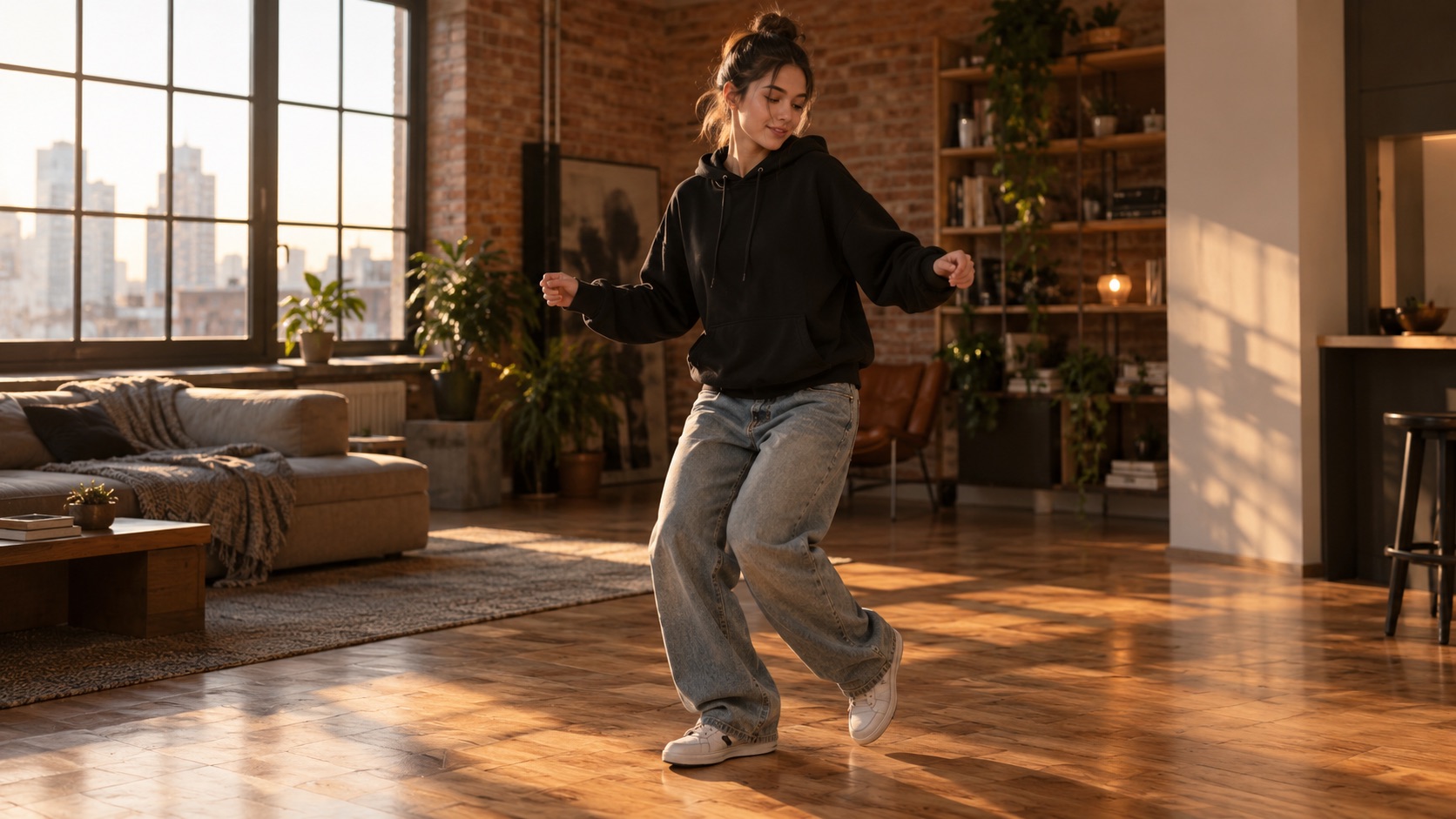
The short answer
Wipe Me Down Dance AI generates a 4–15 second dance clip from one photo or a text prompt with Seedance 2.0. A standard 720p · 12s render costs 26 credits, and every new account gets one free 480p · 5s preview.
Upload one photo and the subject in it performs the dance, keeping the face, hair and body from your picture.
This clip: 26 credits · 7 renders a month for $39.90 (Pro), or 92 a year for $319
Specs at a glance
- Model
- Seedance 2.0 (bytedance/seedance-2)
- Input
- One or two photos, or a text prompt
- Length
- 4–15 seconds (studio: 5, 8, 10, 12)
- Framing
- 9:16, 1:1, 16:9
- Standard cost
- 26 credits for 720p · 12s
- Free trial
- One 480p · 5s preview per account
- Output
- MP4 download, no watermark
How it works
- 1
Upload a photo or describe the scene
Use a clear, front-facing photo where the face and upper body are visible. If you would rather not upload a photo, switch to text mode and describe the person, outfit and room instead.
- 2
Choose a look and a spec
Classic, Hype, Smooth and Cute are four movement presets you can read and edit. Pick 480p, 720p or 1080p, a length between 5 and 12 seconds in the studio, and 9:16, 1:1 or 16:9 framing.
- 3
Generate and let the model work
The prompt and the photo are screened before the render starts. Seedance 2.0 then produces a continuous shot with stable feet, natural hands and the face from your photo.
- 4
Preview, download and post
A finished clip plays in the page and downloads as an MP4 without a watermark. Vertical 9:16 is sized for TikTok, Reels and Shorts; 1:1 and 16:9 are there for feed posts and embeds.
What the generator actually does
The studio sends your photo and the selected look to Seedance 2.0, a video model that accepts a reference image and a movement instruction. The model does not cut between shots. It builds one continuous performance: the subject shifts weight, swings their arms and turns slightly while the camera drifts.
The important limit is honesty. A generated clip is a new performance, not a deepfake of a specific recording. The face, hair and body proportions are carried over from the photo, but the choreography is invented for that image. That is why a single clear photo works better than a screenshot with five people in it.
- One or two reference photos per render
- 4–15 second clips; the studio offers 5, 8, 10 and 12 seconds
- 720p · 12s is the standard render at 26 credits
- 480p · 5s is the free preview spec at 5 credits
Photo mode versus text mode
Photo mode is for identity. The model sees a real face and keeps it recognisable, which is what most people want from a dance generator. Text mode is for drafting: describe the room, the outfit and the camera, and the model invents a person. It is useful for testing a look before you commit a photo.
Both modes use the same presets and the same credit table. Text mode needs at least ten characters of prompt; photo mode can run with an empty prompt because the selected look already carries the movement instruction.
What makes a source photo work
Use a photo where the subject is the main thing in frame, facing the camera, with the face and hands visible. Daylight or soft indoor light is enough. A photo taken from ten metres away gives the model very little face to preserve, and a photo with a mask or heavy filter gives it the wrong information.
The browser shrinks the image before upload, so a normal phone photo is fine. You do not need to crop it to a vertical ratio first; the studio handles framing. If the first result misses, the fix is usually a clearer photo rather than a longer prompt.
What people use it for
Creators joining a dance trend
Post a dance clip without learning choreography or filming yourself. The output is a new performance generated from your photo, not a copy of someone else’s video.
Pets and characters
The Cute preset keeps the animal’s breed, fur colour and markings while adding a small bounce. It is the same pipeline, not a separate toy.
Gifts and reactions
Turn a friend’s photo into a birthday clip, or answer a message with a ten-second dance instead of a sticker. One photo is enough.
Small brands and side projects
Need a moving human in a product shot without a shoot? Generate a clip, then cut it into an ad or a landing-page loop.
Frequently asked questions
Read the guide first
Longer, evidence-based walkthroughs for people who want the prompt, the settings and the failure modes before spending credits.
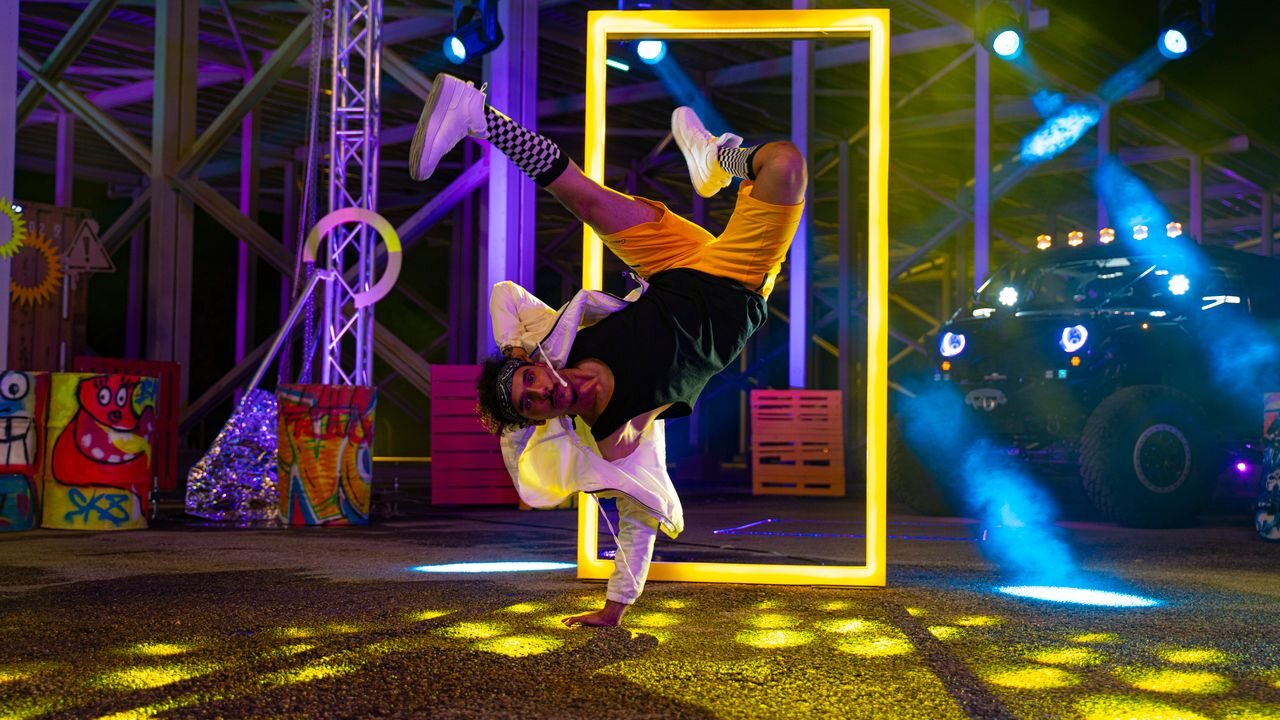 Wipe Me Down Dance AI Review: Strengths, Limits, CostAn honest review of the Wipe Me Down Dance AI generator covering output quality by resolution, render speed, pricing, limits, and the creators it suits.
 AI Dance Video Generator Buyer Checklist: 7 ChecksA seven-point checklist for choosing an AI dance video generator: input, motion, face consistency, watermark, rights, cost and speed, applied honestly.
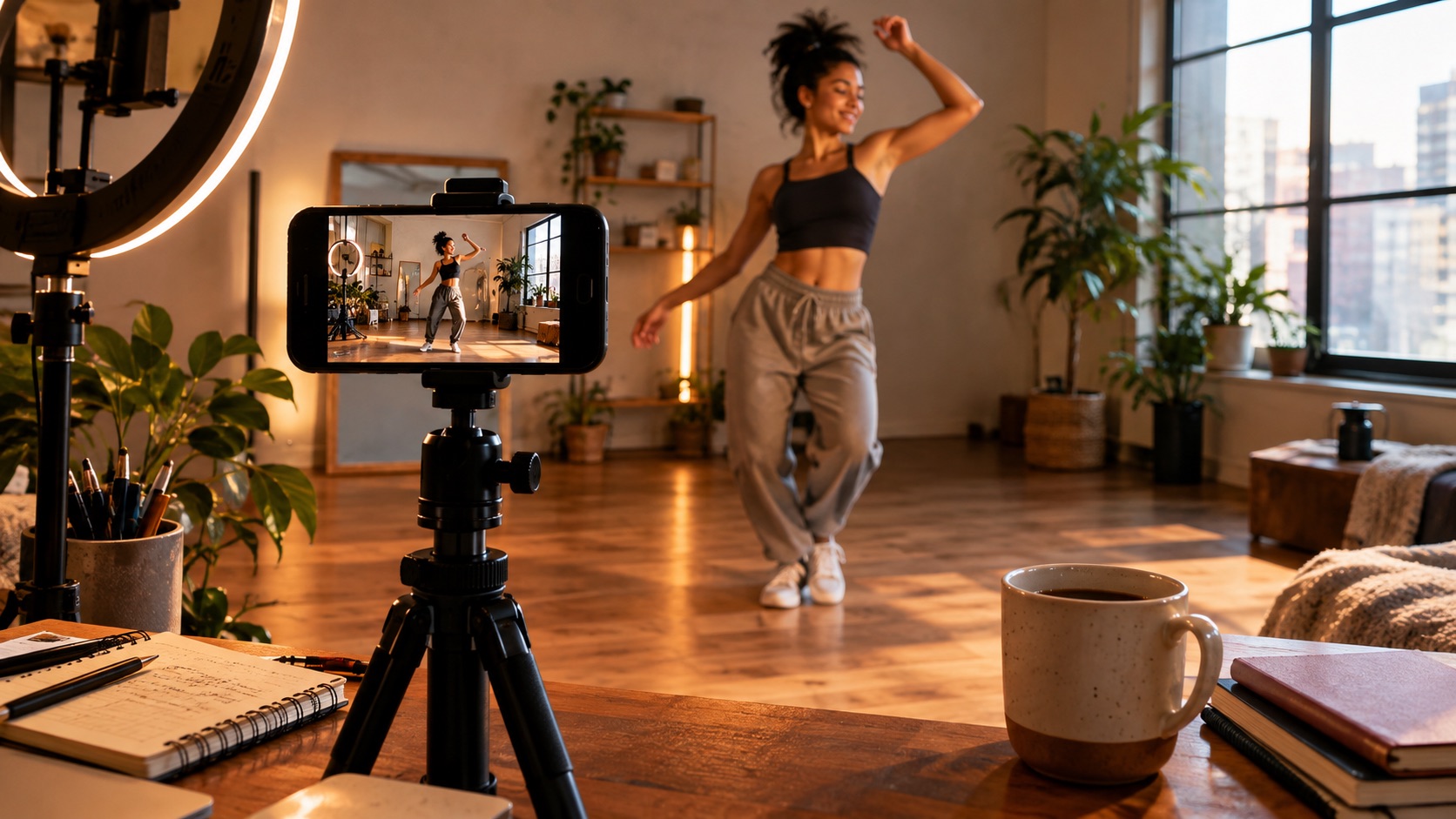 AI Dance Video Trends 2026: What Changed and What to WatchAI dance video in 2026: steadier faces, better image-to-video motion, vertical-first output and cheap previews, plus a short filter for judging trends.