One real render, no card
Free AI Dance Video Generator
The free preview is a real render, not a demo video: one 480p · 5s dance clip generated from your photo, once per account, with no watermark. It exists so you can see the model work before you pay.
One free 480p · 5s video preview per account. Image renders from 3 credits. No watermark.
The short answer
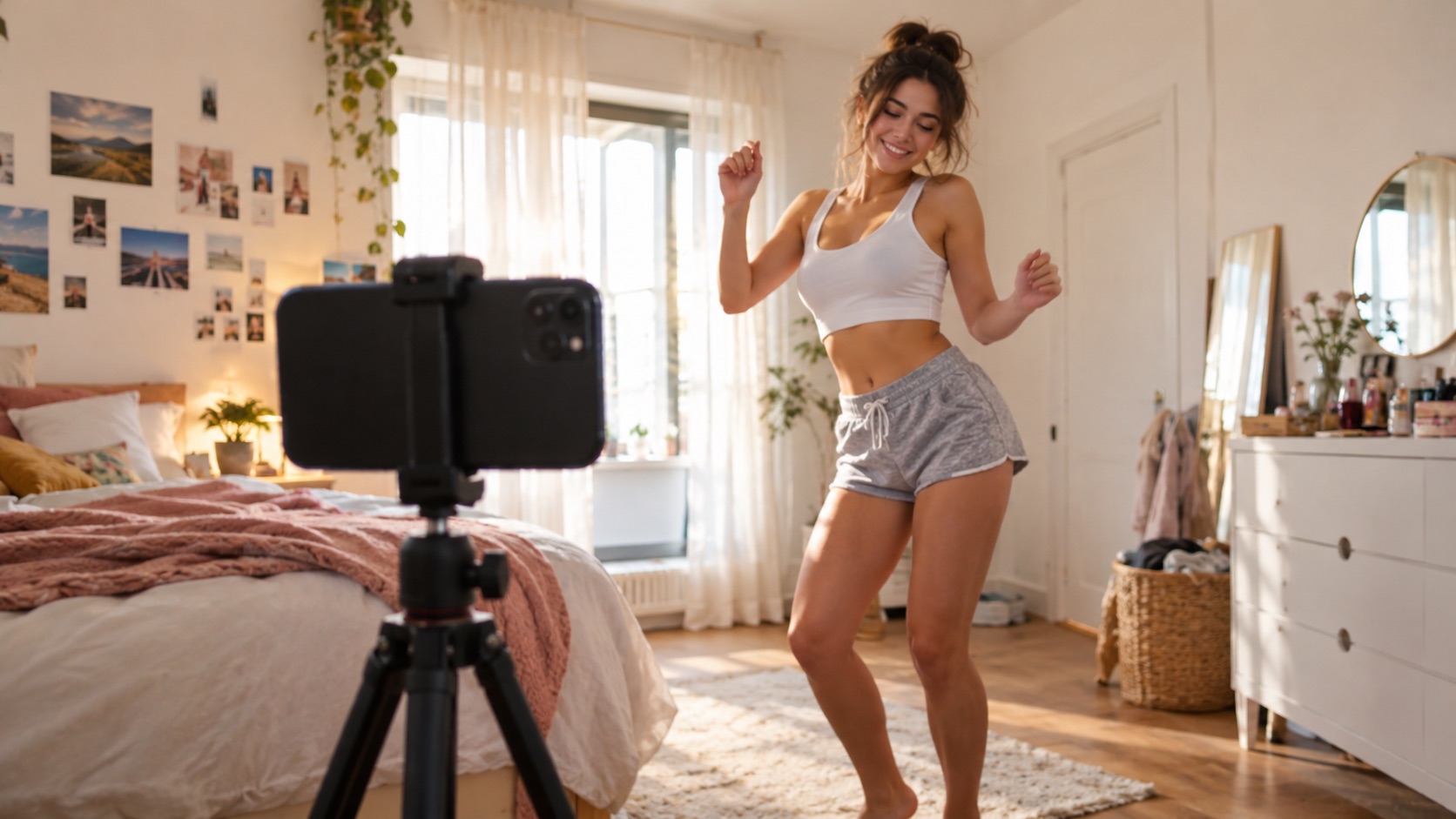
Every new account gets one free 480p · 5s dance video preview. It uses the same Seedance 2.0 model as a paid render, has no watermark, and is granted once per account — not once per day.
Upload one photo and the subject in it performs the dance, keeping the face, hair and body from your picture.
This clip: 26 credits · 7 renders a month for $39.90 (Pro), or 92 a year for $319
Specs at a glance
- Free spec
- 480p · 5s · 9:16
- Limit
- One preview per account
- Model
- Seedance 2.0 (same as paid)
- Watermark
- None
- Next step
- 480p · 12s for 12 credits
- One-time packs
- From $9.90 for 10 credits
How it works
- 1
Create an account
Sign in with Google or an email code. The preview is tied to the account so the same person cannot claim it repeatedly.
- 2
Upload a photo and choose a look
The free preview uses the 480p · 5s spec. You can still pick Classic, Hype, Smooth or Cute and edit the prompt.
- 3
Generate the preview
The render is a real provider job. It is short and lower-resolution on purpose — a full 720p · 12s preview would cost more than the cheapest plan earns.
- 4
Decide from the result
If the face holds and the motion reads, a paid render at 720p or 1080p is the next step. If it does not, try a clearer photo before spending credits.
What “free” actually means here
The preview is free because it is short and 480p, not because it is watermarked or lower quality in kind. It runs on the same model and goes through the same moderation and refund paths as a paid render. The cost is absorbed by the product as a trial.
It is granted once per account, not once per day. Email-only accounts do not get a recurring credit faucet; Google-linked accounts can claim 10 credits a day for three days, which is a separate mechanism. The preview is the one-time try.
Preview vs paid render
The preview is 480p · 5s. A paid standard render is 720p · 12s for 26 credits. The difference is resolution and length, not the model. If your photo works at 480p for five seconds, it will usually work at 720p for twelve.
Paid renders can also use 1080p, 1:1 and 16:9. The preview is fixed at 9:16. That is enough to judge identity and motion; it is not enough for a final post if you need sharpness.
- Preview: 480p · 5s · 9:16 · free, once
- Standard: 720p · 12s · 26 credits
- High: 1080p · 12s · 64 credits
- Cheap paid test: 480p · 12s · 12 credits
How to get the most from one free render
Use your best photo, not a random one. Front-facing, one person, even light, face and hands visible. The preview is the cheapest way to learn what the model does with your image, and a bad source photo wastes it.
Pick the look you actually want. The preview is not a tour of all four presets. If you want a pet clip, use the Cute look and a pet photo; if you want a trend clip, use Classic.
What people use it for
Testing a photo before paying
A five-second render shows whether the face, hands and outfit survive. That is the question a preview should answer.
Comparing looks
Use the preview on the look closest to what you want. Paid renders can then explore the other presets.
Checking the platform
See the actual download, the actual quality and the actual render time before you buy a pack.
One-off users
If you only need one short clip, the preview may be all you need. If you need a longer or sharper clip, a one-time pack starts at $9.90.
Frequently asked questions
Read the guide first
Longer, evidence-based walkthroughs for people who want the prompt, the settings and the failure modes before spending credits.
 What a Wipe Me Down AI Dance Video Really Costs in 2026Credits per clip, plan pricing, what the free preview covers, and which Wipe Me Down Dance AI purchase fits occasional posts or a regular weekly schedule.
 Free AI Dance Video Trial: What You Get and What to CheckOne free 480p five-second dance preview per account: what it includes, how it differs from a paid 720p twelve-second render, and what to check before buying.