No photo needed
Text to Dance Video
Text to dance video skips the upload. You describe who is dancing, what they are wearing, where they are and how the camera moves; the model builds the person and the performance from that description.
One free 480p · 5s video preview per account. Image renders from 3 credits. No watermark.
The short answer
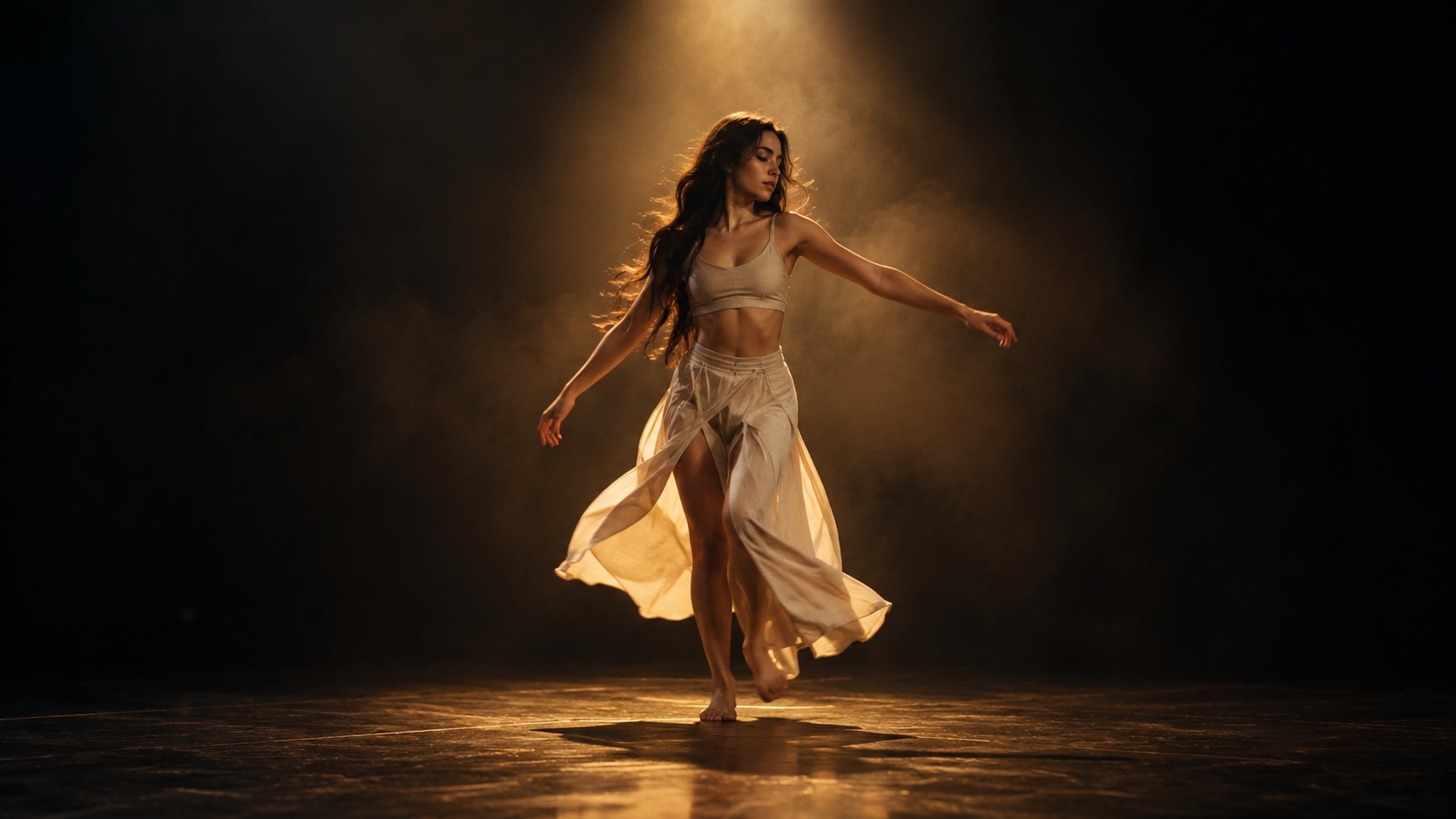
Type a scene of at least ten characters, choose a length and framing, and Seedance 2.0 generates a 4–15 second dance clip. A standard 720p · 12s render costs 26 credits; the free 480p · 5s preview works in text mode too.
Upload one photo and the subject in it performs the dance, keeping the face, hair and body from your picture.
This clip: 26 credits · 7 renders a month for $39.90 (Pro), or 92 a year for $319
Specs at a glance
- Model
- Seedance 2.0
- Input
- Text prompt, minimum 10 characters
- Length
- 4–15 seconds
- Framing
- 9:16, 1:1, 16:9
- Standard cost
- 26 credits for 720p · 12s
- Free preview
- 480p · 5s, once per account
- Output
- Silent MP4, no watermark
How it works
- 1
Name the subject
“A woman in her twenties with short curly hair, wearing a black hoodie and loose jeans.” The model needs a person, not an abstract mood.
- 2
Set the room and the light
A rooftop at dusk, a mirrored studio, a kitchen at night, a stage with a single spotlight. One location and one lighting idea is enough.
- 3
Describe the motion and the camera
Say what the body does and what the camera does: “slow two-step, shoulders rolling, camera pushes in from the waist up.” Keep it to one continuous shot.
- 4
Add the guardrails
End with “natural hands, stable feet, no extra limbs, no text.” These lines do real work; they are not decoration.
A prompt that works has five parts
Subject, wardrobe, location, motion, camera. That order is easy for a video model to follow because each part narrows the next. “A man in a red tracksuit dances in a parking garage” is already four parts; add “one continuous wide shot, camera drifts left” and the model has a complete shot.
The studio presets append the movement and camera instructions for you. You can still edit the whole prompt. If you only write “dance”, the model has to invent the style, the speed and the framing, and the result is usually generic.
- Subject: age, hair, build, expression
- Wardrobe: one outfit, clear colours
- Location: one room or one outdoor space
- Motion: one dance idea, not a sequence of three
- Camera: one move — push in, orbit, hold
Why text mode is harder than photo mode
A photo gives the model a fixed face, a fixed outfit and a fixed body. Text gives it freedom, and freedom is where inconsistency lives. The same prompt can produce two different people on two renders. That is fine for a mood film and wrong for a brand mascot.
The practical workaround is to generate one image first, then animate that image through the photo pipeline. The image locks the look; the video model only has to add motion. The dance poster and thumbnail tools exist for exactly this handoff.
Length, framing and cost
Short clips are easier to control. A five-second clip with one gesture usually looks better than a twelve-second clip with three. Start at 5–8 seconds, check the hands and feet, then extend the idea rather than the render.
Text mode uses the same credit table as photo mode: 480p · 12s is 12 credits, 720p · 12s is 26, 1080p · 12s is 64. The free preview is a 480p · 5s render and can be used once per account.
What people use it for
Testing an idea before a shoot
Block a scene, a wardrobe and a camera move in a few minutes. If the idea reads, recreate it with a real photo and the photo pipeline.
Faceless channels
Make dance content without showing a real person. Every clip is generated from text, so there is no source photo to license.
Storyboards and mood films
Generate a moving reference for a director, an editor or a client instead of describing the shot in a document.
Content for fictional characters
Describe a costume and a world instead of hunting for a cosplay photo that matches.
Frequently asked questions
Read the guide first
Longer, evidence-based walkthroughs for people who want the prompt, the settings and the failure modes before spending credits.
 Text-to-Video Dance Prompts for Wipe Me Down ClipsText-to-video prompt examples for a Wipe Me Down dance clip with no photo. Structure subject, setting, lighting, camera, motion, then 12 ready prompts by style.
 How Seedance 2.0 Generates Dance Motion From a PhotoHow Seedance 2.0 generates dance motion from a photo or text, how it keeps identity stable, why short single-action clips work, and the standard tier limits.
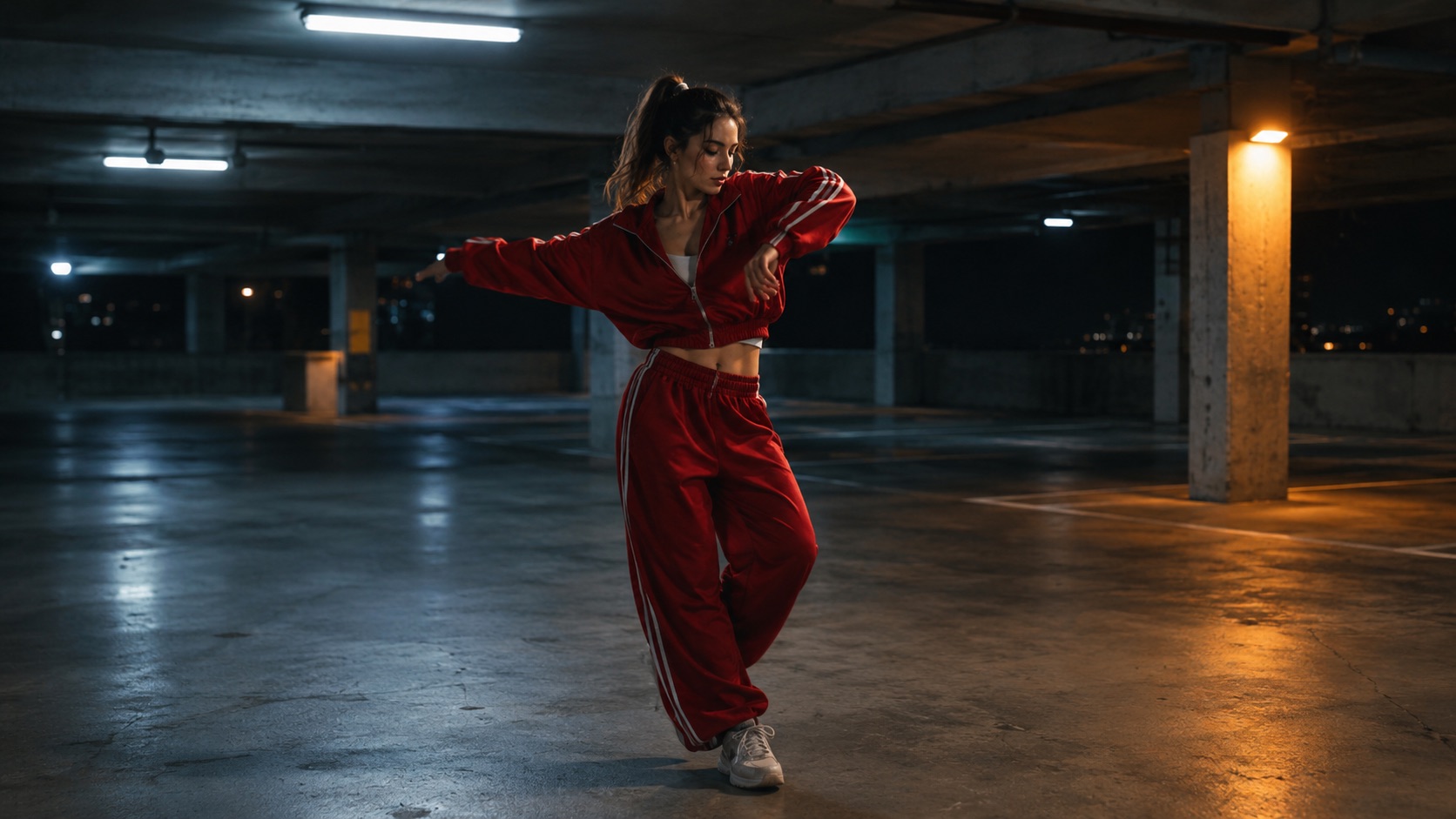 Text to Dance Video Guide: Prompt Structure That WorksThe five-part prompt for a text-to-dance clip: subject, wardrobe, room, motion and camera, plus guardrails, consistency tricks and fixes for common failures.