Free prompt builder
Dance Video Prompt Generator
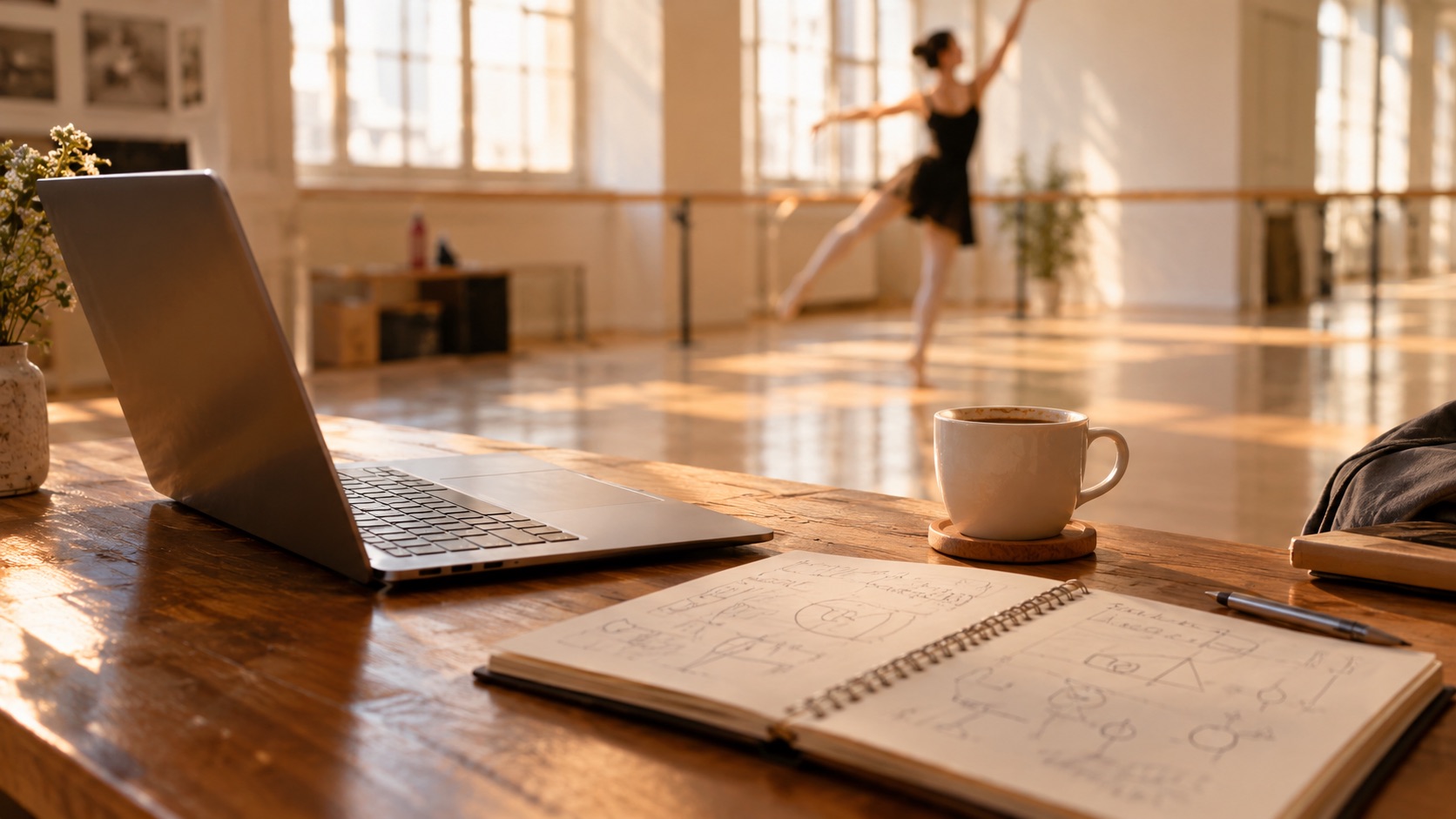
A good dance prompt names five things: the subject, the wardrobe, the room, the motion and the camera. This builder assembles those parts into a prompt you can copy into any video model — including ours.
One free 480p · 5s video preview per account. Image renders from 3 credits. No watermark.
The short answer
Choose a subject, outfit, room, motion, camera and guardrails; the builder writes a complete dance video prompt. It is free, needs no account, and the result works in Seedance 2.0, Kling, Wan and other image-to-video tools.
Your prompt
354 charactersA woman in her twenties with short curly hair, wearing a black hoodie and loose jeans, dances in a mirrored dance studio at dusk. A relaxed two-step bounce, shoulders rolling, arms swinging at waist height. One continuous medium shot, whole body in frame, camera level. Natural hands, stable feet, no extra limbs, no duplicated people, no on-screen text.
Why this structure
Subject, wardrobe, room, motion, camera. Each part narrows the next, so the model has one person in one place doing one thing. The guardrail sentence is the sixth part: it names the failures you want avoided.
Specs at a glance
- Price
- Free, no account required
- Output
- A copy-ready text prompt
- Works with
- Seedance 2.0, Kling, Wan, other I2V models
- Parts
- Subject, wardrobe, room, motion, camera, guardrails
- Best length
- 4–15 seconds of motion
How it works
- 1
Choose the subject and outfit
Be specific but brief: “a woman in her twenties with short curly hair, black hoodie, loose jeans.” Age, hair and one outfit are enough.
- 2
Choose one room and one light
A mirrored studio, a rooftop at dusk, a kitchen at night. One location keeps the model from blending two scenes.
- 3
Choose one motion and one camera move
Two-step bounce, slow groove, fast footwork. Push in, orbit or hold. One of each is a shot; three of each is a mess.
- 4
Copy the prompt
Paste it into the studio or any other model. Keep the guardrail sentence at the end — it is what stops extra fingers and on-screen text.
The five-part prompt structure
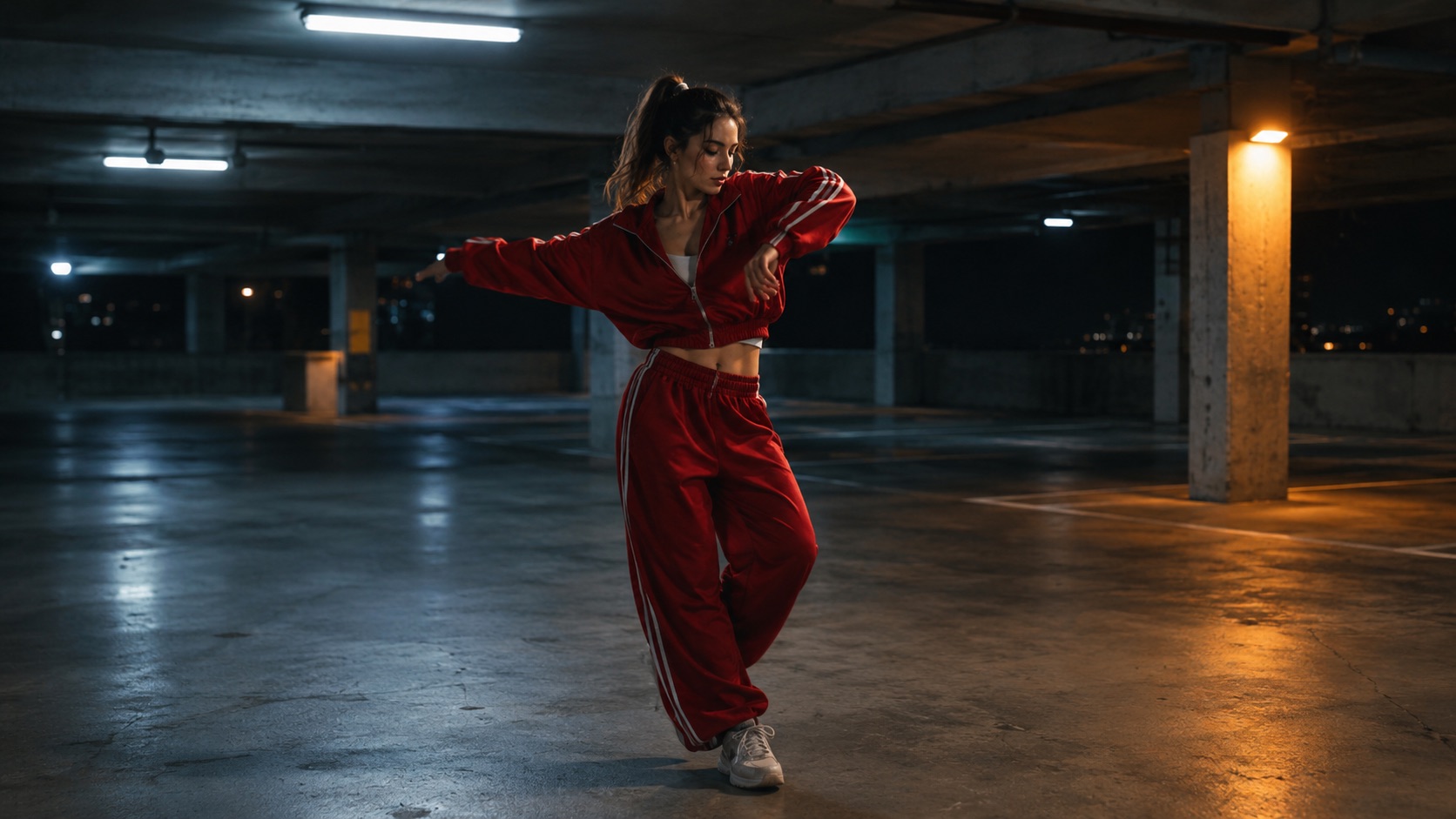
Subject, wardrobe, location, motion, camera. Each part narrows the next. “A man in a red tracksuit dances in a parking garage” is four parts; add “one continuous wide shot, camera drifts left” and the model has a complete shot instead of a mood.
The guardrail sentence is the sixth part: “natural hands, stable feet, no extra limbs, no duplicated people, no on-screen text.” It does not guarantee a clean render, but it gives the model a clear failure to avoid.
Why one motion beats three
A video model has four to fifteen seconds. One gesture, one camera move and one location fit that budget. Three gestures in twelve seconds read as a cut even when the model tries to blend them, and blending is where bodies warp.
If you need a sequence, generate separate clips and edit them. A five-second clip with one clean gesture is more useful than a twelve-second clip with three broken ones.
Adapting the prompt to other models
Seedance, Kling and Wan all accept a reference image plus a text instruction, but they weigh the text differently. Kling tends to follow camera language; Wan responds well to concrete physical motion; Seedance is strong on identity preservation. Keep the structure and adjust the emphasis.
If a model ignores the guardrails, move them to the front of the prompt. If it ignores the camera, remove the other adjectives and leave only the camera sentence. A prompt is a set of instructions, not a poem.
What people use it for
Testing a new video model
Use the same prompt across Seedance, Kling and Wan to compare how each handles the same motion.
Writing a shot list
Build one prompt per shot instead of writing a paragraph of direction that no model can follow.
Teaching a team
A shared prompt template gives everyone the same structure, so results are easier to compare.
Starting from a preset
Load the Classic, Hype, Smooth or Cute preset and edit one part instead of starting from a blank page.
Frequently asked questions
Read the guide first
Longer, evidence-based walkthroughs for people who want the prompt, the settings and the failure modes before spending credits.
 Text-to-Video Dance Prompts for Wipe Me Down ClipsText-to-video prompt examples for a Wipe Me Down dance clip with no photo. Structure subject, setting, lighting, camera, motion, then 12 ready prompts by style.
 Text to Dance Video Guide: Prompt Structure That WorksThe five-part prompt for a text-to-dance clip: subject, wardrobe, room, motion and camera, plus guardrails, consistency tricks and fixes for common failures.