Built for the group chat
Meme Dance Video Generator
A dance meme works when the joke arrives fast. This generator turns one photo into a short, loopable dance clip that reads without sound and lands in the first two seconds.
One free 480p · 5s video preview per account. Image renders from 3 credits. No watermark.
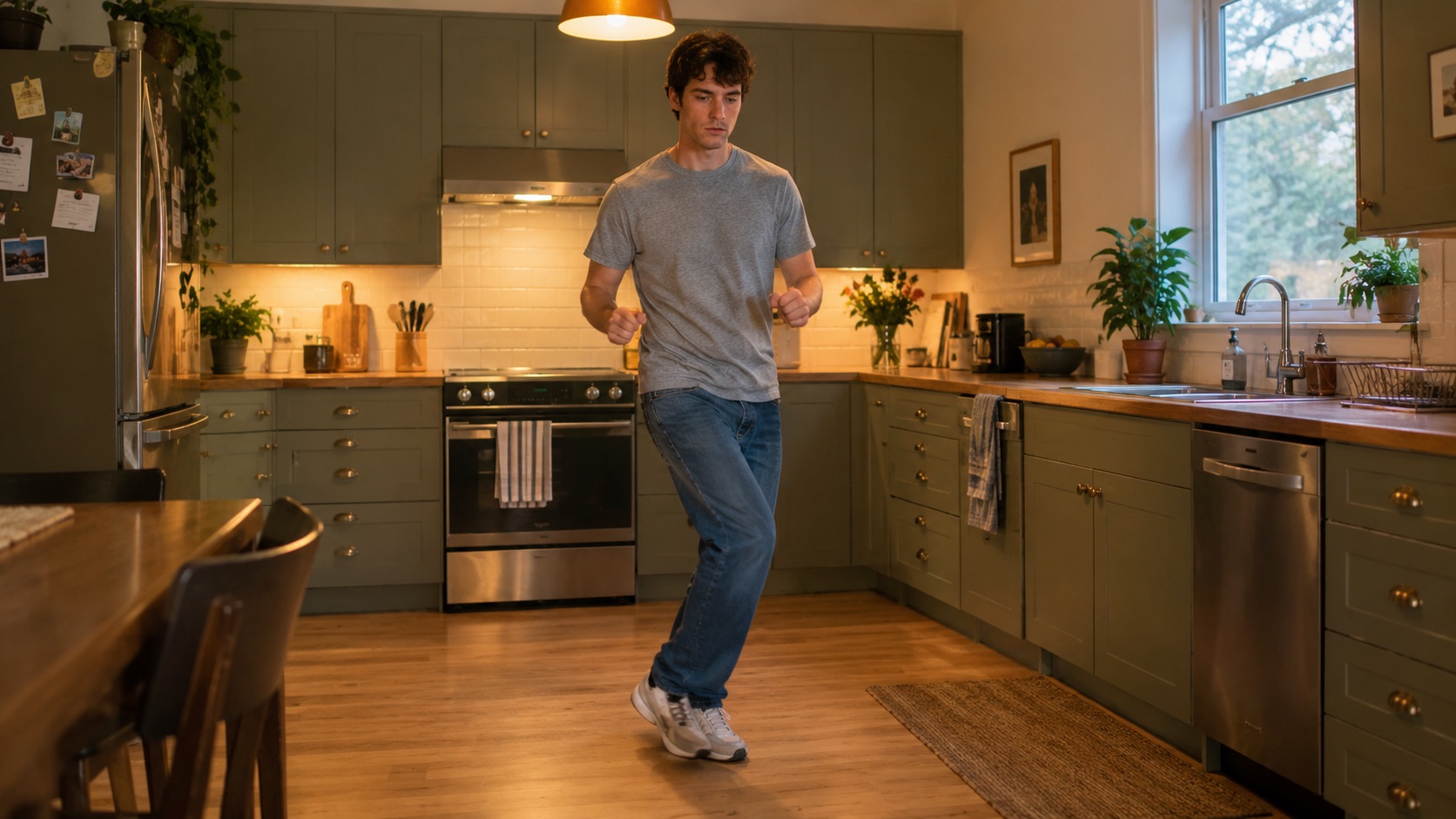
The short answer
Upload a photo, choose a look and generate a 4–15 second dance clip. Five to eight seconds is the sweet spot for a meme. A 720p · 12s render costs 26 credits; a 480p · 5s preview is free once per account.
Upload one photo and the subject in it performs the dance, keeping the face, hair and body from your picture.
This clip: 26 credits · 7 renders a month for $39.90 (Pro), or 92 a year for $319
Specs at a glance
- Best length
- 5–8 seconds for a loop
- Model
- Seedance 2.0
- Framing
- 9:16
- Standard cost
- 26 credits for 720p · 12s
- Cheap test
- 12 credits for 480p · 12s
- Output
- Silent MP4, no watermark
How it works
- 1
Pick a photo with a clear expression
A neutral or slightly serious face is funnier once it starts dancing. A photo where the person is already laughing has less contrast.
- 2
Keep the clip short
Five to eight seconds loops cleanly in a group chat. A twelve-second clip needs a joke to sustain it; a five-second clip just needs a beat.
- 3
Choose the look that fits the joke
Classic is deadpan. Hype is chaotic. Smooth is ironic. Cute is for pets. The mismatch between the face and the movement is the meme.
- 4
Add the caption outside the render
Do not put text in the prompt; the model may render it badly. Add the caption in the app or the editor, where you can change it.
What makes a dance meme work
Contrast, timing and loopability. The face should not already be performing; the movement should arrive as a surprise. The clip should be short enough that the loop feels intentional rather than broken. Five seconds is usually enough for one gesture and one return.
The joke also needs a straight frame. A busy background, three people and a costume change give the viewer too much to parse. One person, one room and one movement is the whole recipe.
Why you should not render the caption
Image and video models still struggle with text. A caption baked into the render is hard to edit, hard to translate and often misspelled. Keep the clip clean and add the words in the app where the font, size and safe area are under your control.
A clean clip also travels further. Someone else can add their own caption, quote-post it or put it in a different context. The meme becomes a template instead of a finished ad.
Posting without getting the clip buried
Use the platform’s own sound. The clip is silent, so the audio you add decides whether it reads as a trend. Post vertical 9:16 and keep the subject away from the bottom edge where the caption sits.
If the clip is generated, say so. TikTok, Instagram and YouTube all offer an AI-generated label, and using it is both honest and safer for the account. Do not present a generated performance as a real recording of a public figure.
What people use it for
Group-chat reactions
A five-second dance from a friend’s photo is a better reply than a static sticker, especially in a chat that already has the sound.
Quote-post jokes
Pair a straight-faced dance with a caption about a deadline, a Monday or a group project.
Pet memes
A dignified cat doing a small bounce is a reliable format. Keep the movement small and the face serious.
Brand accounts with a sense of humour
A mascot or a founder photo doing the trend is a low-cost way to join a conversation without filming.
Frequently asked questions
Read the guide first
Longer, evidence-based walkthroughs for people who want the prompt, the settings and the failure modes before spending credits.
 How to Post a Wipe Me Down AI Clip on Reels and ShortsPost a Wipe Me Down AI dance clip on Instagram Reels and YouTube Shorts: vertical framing, clip length, captions, audio rules, AI labels and a checklist.
 Wipe Me Down Dance Meme Guide: Five Seconds, One JokeA practical guide to the Wipe Me Down dance meme: why five to eight seconds loops, deadpan contrast, captions outside the render, sound, consent and AI labels.