Couple Dance Video Guide: Two Photos, One Shared Routine
Put two people in one AI dance clip: why separate photos beat a group shot, framing, wardrobe, side-by-side choreography, face-swap fixes and consent.
 By Wipe Me Down Dance AI Team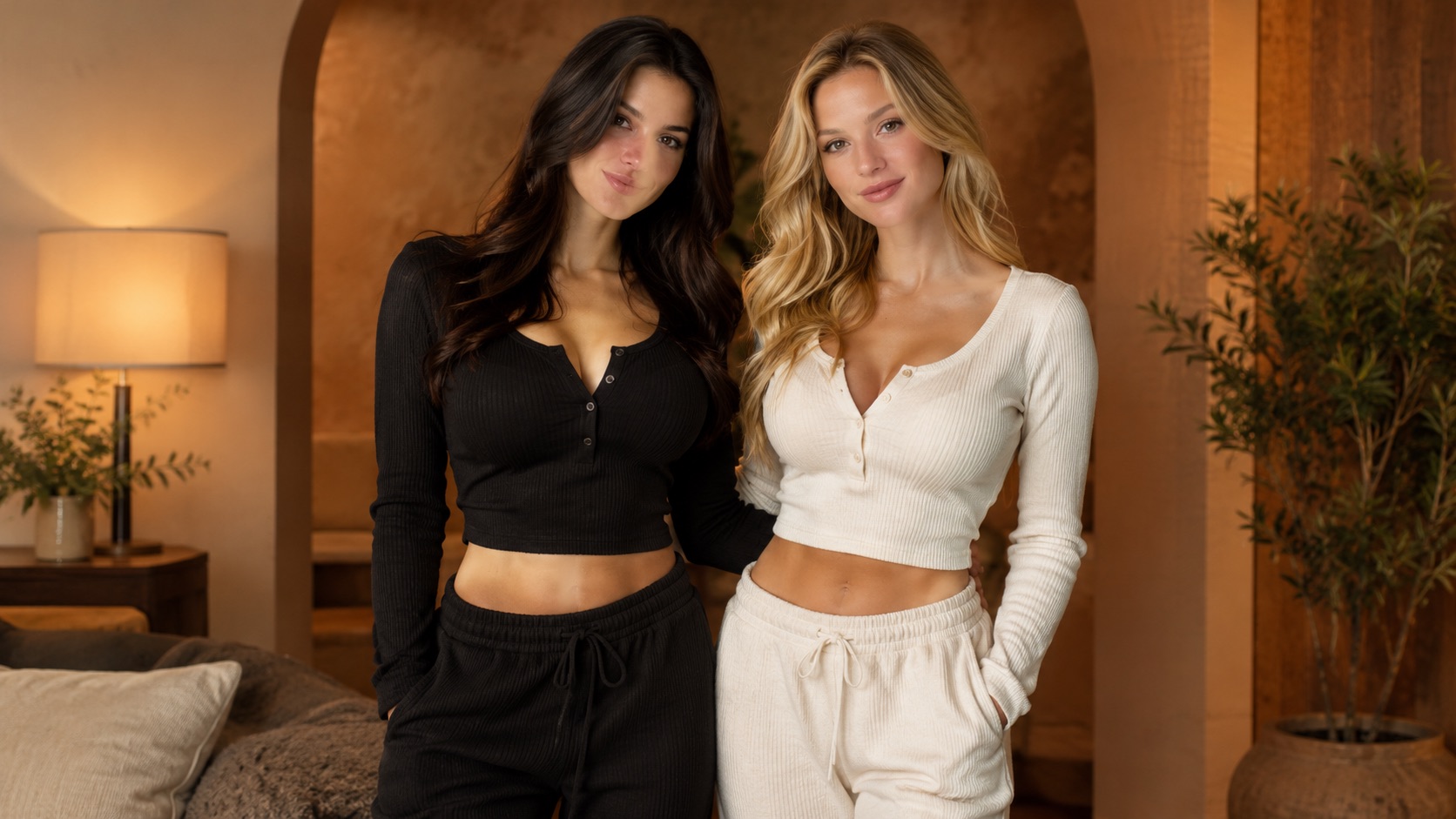
A couple dance video asks the model to do something harder than a solo clip: hold two faces, two outfits and two bodies in one continuous shot. The failures that look like prompt problems often start earlier, in the photos or the framing. This guide covers the inputs, the routine, the fixes and the consent questions, in the order the studio uses them.
Why two people change the problem
The model holds two identities
One photo gives the model one identity to preserve. Two photos give it two, plus a decision about which face belongs to which body. That decision is where swaps come from. The references need clear faces, similar lighting and similar angles.
Contact is where limbs fail
Side-by-side movement keeps two bodies separate. Lifts, dips, spins and holds put them in contact, and contact is where generated limbs merge, duplicate or disappear. More contact means a higher chance of a retry.
One shot, not a collage
The tool generates one continuous performance, not a cut between two solo clips. That is the appeal: the pair shares one room, one light and one rhythm. Both people also have to work at the same scale and frame.
Start with two photos, not a group photo
Why separate photos win
A group photo gives each face fewer pixels and forces the model to guess which body belongs to which person. Two individual photos give each identity a clean reference. Use the couple dance video tool with one file per person.
Crop from a group shot only as a fallback, and keep other shoulders and arms out of the frame.
The photo checklist
Use this list before you upload:
- one person per file
- face toward the camera, or a slight three-quarter turn
- eyes and mouth unobstructed
- similar lighting in both photos
- similar camera angle in both photos
- upper body or full body visible, with space around the arms
- JPG, PNG or WebP, up to 10 MB
- no heavy filter, text overlay or extra people
The photo to dance video guide explains why each item matters for a single subject; the same rules apply twice here.
If all you have is a group photo
Crop one image per person and keep a second person's arm out of it; the model may read that arm as part of the body. A crop with only a head gives it too little body to move.
Framing: make room for two bodies
| Frame | Best for | Watch out for | | ----- | ---------------------------------------------------- | ---------------------------------------------- | | 9:16 | A close pair posting to Reels, TikTok or Shorts | Two people at arm's length can crowd the edges | | 1:1 | Feed posts and carousels | Less vertical room for footwork | | 16:9 | A medium-wide routine with both bodies and both feet | The pair looks smaller on a phone |
Choose a medium-wide shot
Chest height, both faces and both bodies visible for the whole clip. A close-up loses the dance; a wide shot turns faces into pixels. If the pair stands far apart, switch to 16:9 rather than squeezing them into 9:16.
Plan for the height difference
If one person is much taller, say so in the prompt — "the taller person on the left" — so the model keeps the difference instead of averaging the two heights. Averaging makes a couple clip look slightly wrong without an obvious fault.
Choreography that survives a render
Side-by-side beats partner work
Matching two-steps, mirrored arm swings or a shared sway are reliable. Lifts, dips, spins and close partner holds are not, because two bodies in contact is the hardest thing to generate cleanly.
Mirroring is the reliable pattern
Both people do the same step in the same direction, or mirror each other. Mirroring looks intentional and keeps the limbs separated. A complex asymmetric routine gives the model two different problems at once.
Leave a gap between bodies
A small gap keeps the arms readable. Shoulder-to-shoulder is fine; overlapping torsos are not. If the first render merges the arms, widen the gap before changing anything else.
Cue the routine in one sentence
A prompt such as "two people stand side by side and perform a matching two-step bounce, shoulders rolling, arms swinging at waist height, both faces visible, medium-wide shot" is enough. One action for the whole clip beats a list of four.
Wardrobe and styling
One shared colour cue
Matching colours read as a couple without identical outfits. "Both in black, one with a red scarf" gives the model a visual link and keeps the identities separate.
Avoid busy patterns on both
Two loud prints make the frame noisy and the bodies harder to track. Let one person carry the pattern and keep the other in a solid colour.
Keep accessories simple
Hats that shadow the face, large sunglasses and scarves across the mouth all weaken the face reference. Remove them for the source photos unless the look depends on them.
Describe the outlier
Height, hair length, a beard, a wheelchair or a distinctive jacket: put the detail that separates the two people into the prompt. The model uses it to keep the identities apart.
Face swaps: what they look like and how to fix them
Face swapping is the signature failure of a two-person render, and it is usually fixable.
| What you see | Likely cause | First fix | | ------------------------------ | ------------------------------------ | ----------------------------------------- | | Faces exchanged between bodies | Ambiguous or mismatched references | Name each person's position | | One face soft or blurred | Low-resolution or turned photo | Replace with a sharper front-facing photo | | A third face appears | Another person in a source or prompt | Crop to two and remove crowd words | | Features blend together | Different lighting or angles | Use photos shot in similar light | | Bodies merge at the arms | Overlapping bodies or contact | Add a gap; use side-by-side movement |
Fix in this order
- Replace the weaker photo.
- Match lighting and angle across both photos.
- Name positions in the prompt, such as "the taller person on the left".
- Reduce the routine to a simple sway.
- If the swap persists, generate two solo clips and edit them side by side.
Why a longer prompt does not fix a swap
Face swapping is usually a reference problem, not a wording problem. Adding "do not swap faces" is a weak lever compared with cleaner photos and explicit positions. Change the inputs before you add another paragraph.
Cost and resolution
| Render | Credits | Use | | ----------------- | ------------------------------ | ---------------------------- | | 480p · 5s preview | 5 (first one free per account) | Test framing and the routine | | 480p · 12s | 12 | Cheap full-length draft | | 720p · 12s | 26 | Standard render for posting | | 1080p · 12s | 64 | Large-screen use |
Clips run 4 to 15 seconds, and the studio offers 5, 8, 10 and 12. Shorter lengths cost less, and the Generate button shows the exact figure before you spend. The frame does not change the price. Start with the preview, then a 480p draft, then 720p. Two people cost the same as one; the price depends on resolution and length.
Every output is a silent MP4 with no watermark. If you add music later, use audio you have the rights to.
Step by step: two photos to one routine
- Prepare one photo per person using the checklist above.
- Open the couple dance video tool and upload both photos.
- Choose a look: Smooth for a relaxed sway, Classic for a steady two-step, Hype for a faster clip.
- Pick 9:16 for a close pair or 16:9 for a medium-wide routine.
- Set the length to 5 seconds for the preview.
- Generate the preview and check both faces before spending more.
- Render a 480p twelve-second draft, then 720p once the routine works.
Consent and posting
Both people must agree
Generate a clip of someone only with their permission. For a couple, that means both people, not just the one uploading. A public photo is not consent, and an old photo of a partner is not either.
Do not present it as a recording
The output is a new performance, not footage. Caption it as AI where the context could mislead. Do not use it to imply someone danced at an event they skipped, or endorsed something they have never seen.
Keep the originals
Save both photos and the prompt with the clip. A second attempt can change one input instead of rebuilding the pair. The photo to dance video walkthrough covers what a first render usually looks like.
When in doubt, do not post
If the other person would be upset to see it, the clip is not worth posting. Private sharing is still sharing.
FAQ
Can I use one group photo instead of two?
You can, but separate photos give each face a cleaner reference and reduce swaps. Crop one person per image if that is all you have.
Why did our faces swap?
The model matched a reference to the wrong body. Use clearer, similarly lit photos and name positions in the prompt.
Can we do a lift or a spin?
Simple contact is possible, but lifts, spins and close partner work often produce duplicated limbs. Side-by-side choreography is far more reliable.
What resolution should we start with?
The free 480p five-second preview if available, then a 480p twelve-second draft at 12 credits, then 720p at 26 once the routine and faces look right.
Do we need a video of us dancing?
No. Two still photos are enough. The model generates a new performance around the people in the photos.
Put two photos in one routine
The guide’s prompt is loaded and editable. You only need a photo.
Wipe Me Down Dance AI TeamWipe Me Down Dance AI turns a photo — or a written prompt — into a short dance video. An independent tool, not affiliated with Foxx, Lil Boosie, Webbie or Trill Entertainment.